
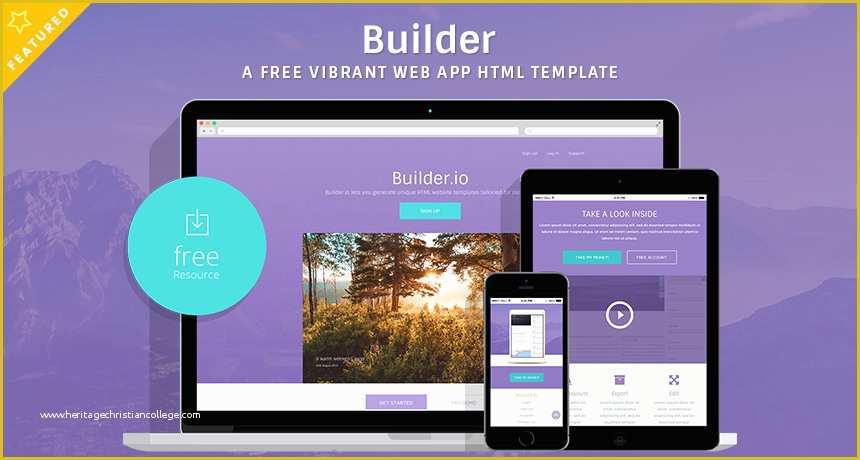
Getting Started with Free Website Builders and Templates
Creating a website doesn't have to break the bank. With numerous free website builders and templates available online, you can design a professional-looking site without spending a dime. In this article, we'll explore the ins and outs of using free website builders and templates to create a stunning online presence.
When choosing a free website builder, consider the type of website you want to create. Are you looking to build a personal blog, a small business website, or an e-commerce site? Different website builders cater to different needs, so it's essential to select one that aligns with your goals.
Some popular free website builders include Wix, Weebly, and WordPress.com. These platforms offer a range of customizable templates, drag-and-drop editors, and user-friendly interfaces that make it easy to create a website without coding.
Choosing the Right Template for Your Website
With thousands of free website templates available, selecting the right one can be overwhelming. Here are a few tips to help you make the right choice:
Consider your brand identity: Choose a template that matches your brand's colors, fonts, and overall aesthetic.
Think about your content: Select a template that complements the type of content you'll be featuring on your site. For example, if you plan to showcase a lot of images, choose a template with a strong visual focus.
Keep it simple: Avoid templates with too many bells and whistles. A simple, clean design will make it easier for visitors to navigate your site.
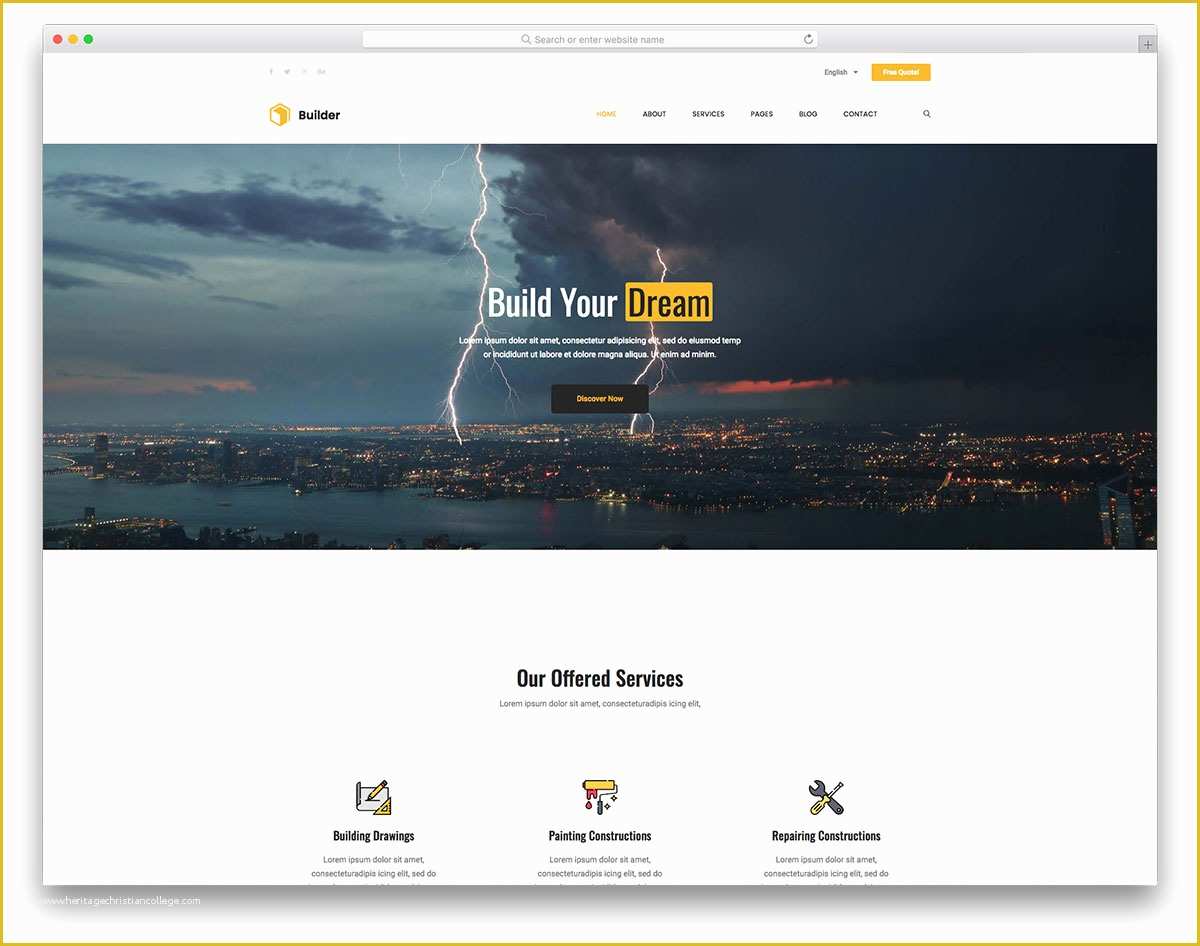
Template Types
| Template Type | Description | Best for |
|---|---|---|
| Blog | Designed for personal blogs and online publications | Bloggers, writers, and journalists |
| Business | Suitable for small businesses and professional services | Entrepreneurs, small business owners |
| E-commerce | Optimized for online stores and product showcases | Online retailers, e-commerce entrepreneurs |
Customizing Your Website Template
Once you've chosen a template, it's time to customize it to fit your needs. Most free website builders offer a range of customization options, including:
Drag-and-drop editors: Easily move elements around your page to create a unique layout.
Color and font options: Change the colors and fonts to match your brand identity.
Image and media uploads: Add your own images, videos, and other media to make your site more engaging.
Adding Content to Your Website
With your template customized, it's time to add content to your site. Here are a few tips to keep in mind:
Keep it concise: Break up long blocks of text into shorter paragraphs and use headings to create a clear hierarchy.
Use high-quality images: Add images that are relevant to your content and help to break up the text.
Optimize for SEO: Use keywords strategically throughout your content to improve your site's search engine rankings.
Advanced Features and Limitations
While free website builders and templates can help you create a professional-looking site, there are often limitations to consider. Here are a few things to keep in mind:
Limited storage and bandwidth: Free website builders often have limits on storage and bandwidth, which can impact your site's performance.
Limited customization options: While you can customize your template, there may be limits to what you can change.
Advertising: Some free website builders may display ads on your site, which can impact your user experience.
"The key to creating a successful website is to keep it simple, focus on your content, and choose a template that complements your brand identity." - John Doe, Web Design Expert
Frequently Asked Questions
Q: Can I create a website for free without coding?
Yes, many website builders offer drag-and-drop editors and templates that make it easy to create a website without coding.
Q: What are the limitations of free website builders?
Free website builders often have limitations on storage, bandwidth, and customization options.
Q: Can I use a free website template for commercial purposes?
It depends on the terms of the template and website builder. Some may require you to purchase a license or upgrade to a paid plan for commercial use.
Q: How do I optimize my website for search engines?
Use keywords strategically throughout your content, optimize your images, and use meta tags to help search engines understand your site's structure.
Conclusion
Creating a website for free with online templates and website builders is a viable option for anyone looking to establish an online presence. By choosing the right template, customizing it to fit your needs, and adding high-quality content, you can create a professional-looking site that attracts and engages visitors. While there may be limitations to consider, the benefits of free website builders and templates make them an excellent starting point for anyone looking to build a website without breaking the bank.
Related: Customize Your Resume Template Online for a Perfect Fit
Related: Free Online Adobe Resume Templates: What Actually Makes Sense?
Related: Free Digital Planner Templates
