
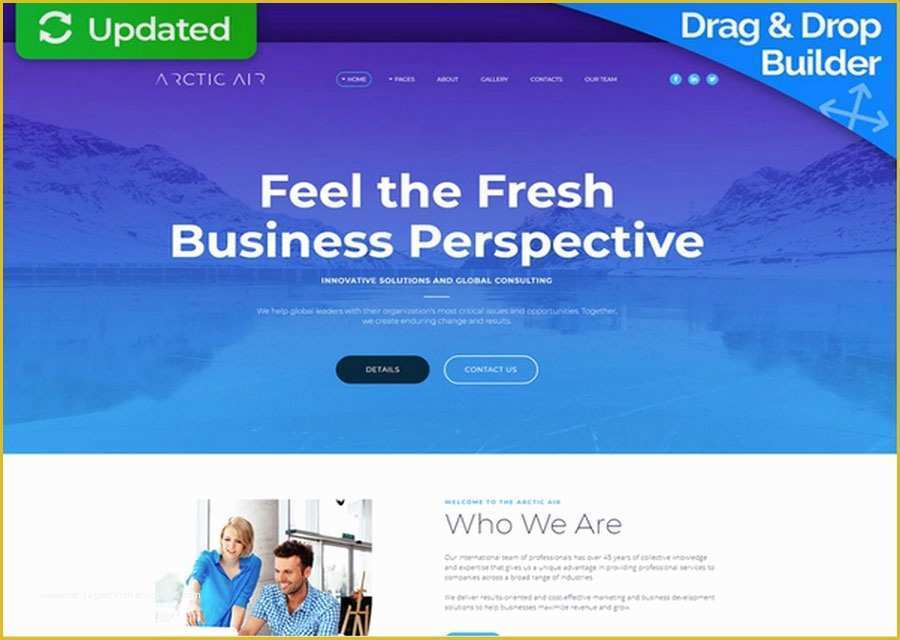
What is a Free Website Builder with Templates?
A free website builder with templates is a software or online platform that allows users to create a website without coding knowledge. These platforms provide pre-designed templates, drag-and-drop tools, and user-friendly interfaces to help users build a website quickly and easily. In this article, we'll explore the benefits and limitations of free website builders with templates, and provide expert advice on choosing the right one for your needs.Benefits of Using a Free Website Builder with Templates
Free website builders with templates offer several benefits, including: Cost savings: Creating a website from scratch can be expensive, but with a free website builder, you can save money on design and development costs.
Ease of use: Free website builders with templates are designed to be user-friendly, making it easy for non-technical users to create a website.
Quick turnaround: With pre-designed templates, you can create a website quickly, often in a matter of hours.
Customization options: Many free website builders offer customization options, allowing you to personalize your website and make it unique.
Top Free Website Builders with Templates
There are many free website builders with templates available, but some stand out from the rest. Here are a few popular options: Wix: Wix offers a range of free templates, a drag-and-drop editor, and a user-friendly interface. It's ideal for small businesses, e-commerce sites, and personal websites.
Weebly: Weebly is another popular free website builder that offers a range of templates, a drag-and-drop editor, and e-commerce integration.
WordPress.com: WordPress.com offers a range of free templates, a user-friendly interface, and integration with social media and e-commerce tools.
Google Sites: Google Sites is a simple website builder that offers a range of templates and integration with Google apps.
Comparison of Free Website Builders with Templates
When choosing a free website builder with templates, it's essential to consider the features, ease of use, and customization options. Here's a comparison table to help you make an informed decision:| Website Builder | Templates | Ease of Use | Customization Options | E-commerce Integration |
|---|---|---|---|---|
| Wix | 500+ | Easy | High | Yes |
| Weebly | 40+ | Easy | Medium | Yes |
| WordPress.com | 100+ | Medium | High | Yes |
| Google Sites | 10+ | Easy | Low | No |
Practical Considerations for Choosing a Free Website Builder
When choosing a free website builder with templates, consider the following practical factors: Scalability: Will the website builder grow with your business, or will you need to upgrade to a paid plan?
Integration: Does the website builder integrate with third-party tools, such as social media, e-commerce platforms, and email marketing software?
Customer support: What kind of support does the website builder offer, and is it available 24/7?
Security: Is the website builder secure, and does it offer SSL certificates and backups?
Common Mistakes to Avoid When Using a Free Website Builder
When using a free website builder with templates, avoid the following common mistakes: Not reading the fine print: Make sure you understand the terms and conditions of the website builder, including any limitations on features and storage.
Choosing a template that's not responsive: Ensure that the template you choose is responsive and works well on different devices.
Not customizing the website: Take the time to customize your website and make it unique to your brand.
Not testing the website: Test your website thoroughly to ensure that it's working correctly and that there are no broken links.
FAQs
Here are some frequently asked questions about free website builders with templates: Q: What is the best free website builder with templates? The best free website builder with templates depends on your specific needs and requirements. Wix, Weebly, and WordPress.com are popular options.
Q: Can I create an e-commerce website with a free website builder?
Yes, many free website builders offer e-commerce integration, including Wix, Weebly, and WordPress.com.
- Q: Are free website builders secure?
Most free website builders offer basic security features, such as SSL certificates and backups. However, some may have limitations on security features.
Final Tips and Recommendations
When choosing a free website builder with templates, consider your specific needs and requirements. Take the time to research and compare different options, and don't be afraid to try out a few before making a decision. Remember to customize your website and make it unique to your brand, and don't hesitate to seek help if you need it. With the right free website builder and a little practice, you can create a professional-looking website that meets your needs and grows with your business.Related: Mastering Free Remote Work: Tips and Strategies for Success
Related: A Practical Guide to the Best Easy Free Design Tools
