
Choosing the Right Online Resume Template
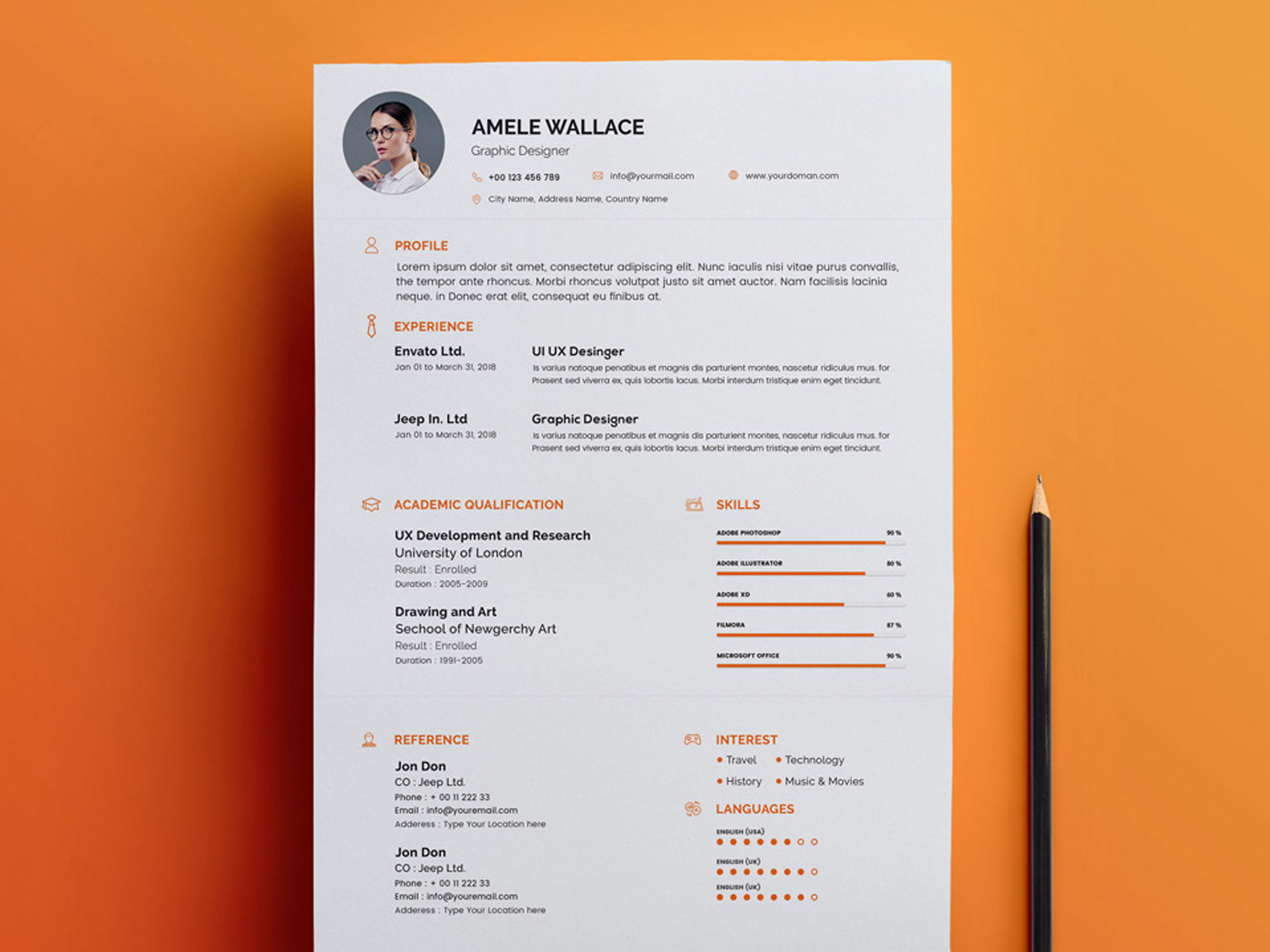
When it comes to creating a resume, having a solid foundation is crucial. This is where online resume templates come into play. With numerous options available, it's essential to select a template that aligns with your industry, experience, and personal brand. A well-designed template can make your resume stand out, while a poorly chosen one can lead to it being overlooked.
To start, consider the type of job you're applying for. If you're in a creative field, a template with a bold design might be suitable. However, if you're in a more traditional industry, a clean and simple template is likely a better choice. Some popular online platforms for finding resume templates include Canva, Resume.io, and LinkedIn's Resume Builder.
Customizing Your Resume Template
Once you've chosen a template, it's time to customize it. This involves tailoring your resume to the specific job you're applying for, highlighting your relevant skills and experiences. A generic resume rarely impresses hiring managers, so make sure to:
Use keywords from the job description to help your resume pass through applicant tracking systems (ATS)
Emphasize your achievements and accomplishments rather than just listing job responsibilities
Quantify your results wherever possible (e.g., "increased sales by 25% in 6 months")
When customizing your template, keep in mind the following:
Key Sections to Include
Professional summary/objective statement
Education and certifications
Work experience
Skills and abilities
Relevant projects or volunteer work
Design and Layout Considerations
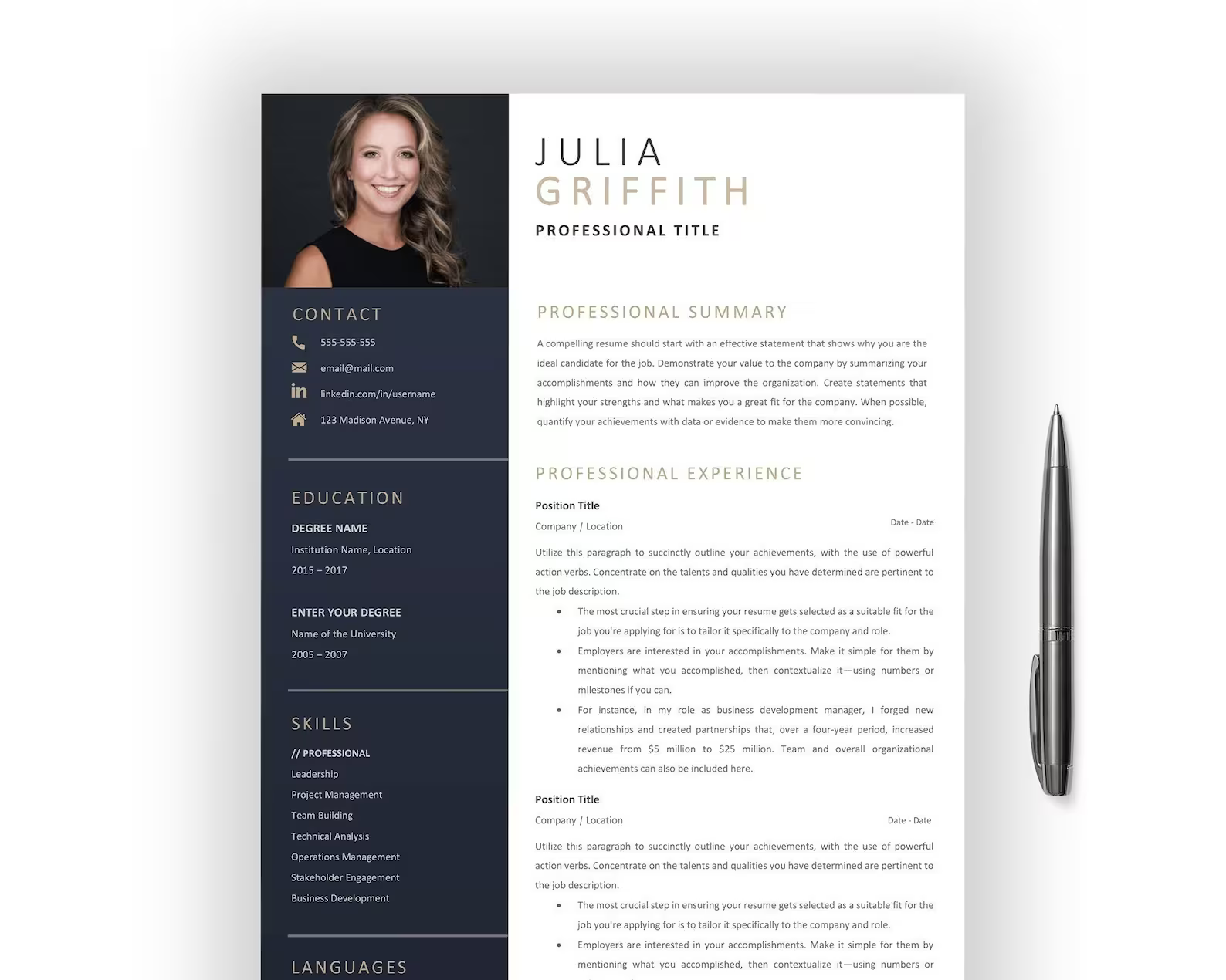
The design and layout of your resume are just as important as the content. A well-designed resume can make a strong impression on the hiring manager, while a poorly designed one can lead to it being discarded.
When it comes to design, consider the following:
Use a clear and concise font, such as Arial, Calibri or Helvetica
Choose a font size that's easy to read, typically between 10 and 12 points
Use bolding and italicizing to draw attention to important information
Leave sufficient white space to make your resume easy to scan
Optimizing Your Resume for Applicant Tracking Systems
Many companies use applicant tracking systems (ATS) to screen resumes before they're even seen by a human. To increase your chances of getting past the ATS, make sure to:
Use keywords from the job description in your resume
Use a standard font and formatting
Save your resume in a format that's easily readable by ATS, such as a Word document or PDF
Comparison of Online Resume Builders
| <strong>Platform</strong> | <strong>Template Options</strong> | <strong>Customization</strong> | <strong>ATS Optimization</strong> | <strong>Free Version</strong> |
|---|---|---|---|---|
| Canva | 100+ | Extensive | Limited | Yes |
| Resume.io | 200+ | Extensive | Yes | Limited |
| LinkedIn Resume Builder | 10+ | Limited | Yes | Yes |
Common Mistakes to Avoid
When creating a resume with online templates, it's easy to fall into common pitfalls. Here are a few mistakes to avoid:
Over-customization: While customization is essential, overdoing it can lead to a resume that looks unprofessional.
Lack of relevance: Make sure your resume is tailored to the specific job you're applying for.
Typos and grammatical errors: A single mistake can lead to your resume being discarded.
Final Tips and Best Practices
Creating a standout resume with online templates requires a combination of strategy, design, and optimization. Here are a few final tips to keep in mind:
Keep your resume concise and focused on the most important information
Use action verbs and quantifiable results to describe your achievements
- Proofread your resume multiple times to catch any errors
Frequently Asked Questions
Q: What is the best online platform for creating a resume?
The best platform for you will depend on your specific needs and preferences. Canva and Resume.io offer a wide range of templates and customization options, while LinkedIn's Resume Builder is a good choice if you're already using LinkedIn for job searching.
Q: How do I optimize my resume for applicant tracking systems?
Use keywords from the job description, a standard font and formatting, and save your resume in a format that's easily readable by ATS.
Q: Can I use a resume template for any job application?
While a template can provide a solid foundation, it's essential to tailor your resume to the specific job you're applying for. This involves highlighting your relevant skills and experiences and using keywords from the job description.
Q: How long should my resume be?
The ideal length for a resume varies depending on your level of experience. For most professionals, a one-page resume is sufficient. However, if you have extensive experience, a two-page resume may be necessary.
Conclusion
A well-crafted resume is essential for standing out in a competitive job market. By choosing the right online template, customizing it to the specific job, and optimizing it for applicant tracking systems, you can increase your chances of getting noticed by hiring managers. With these tips and best practices, you'll be well on your way to creating a standout resume that helps you land your dream job.
Related: Crafting a Photography Resume Template for Beginners
