
Getting Started with Online Art Studies
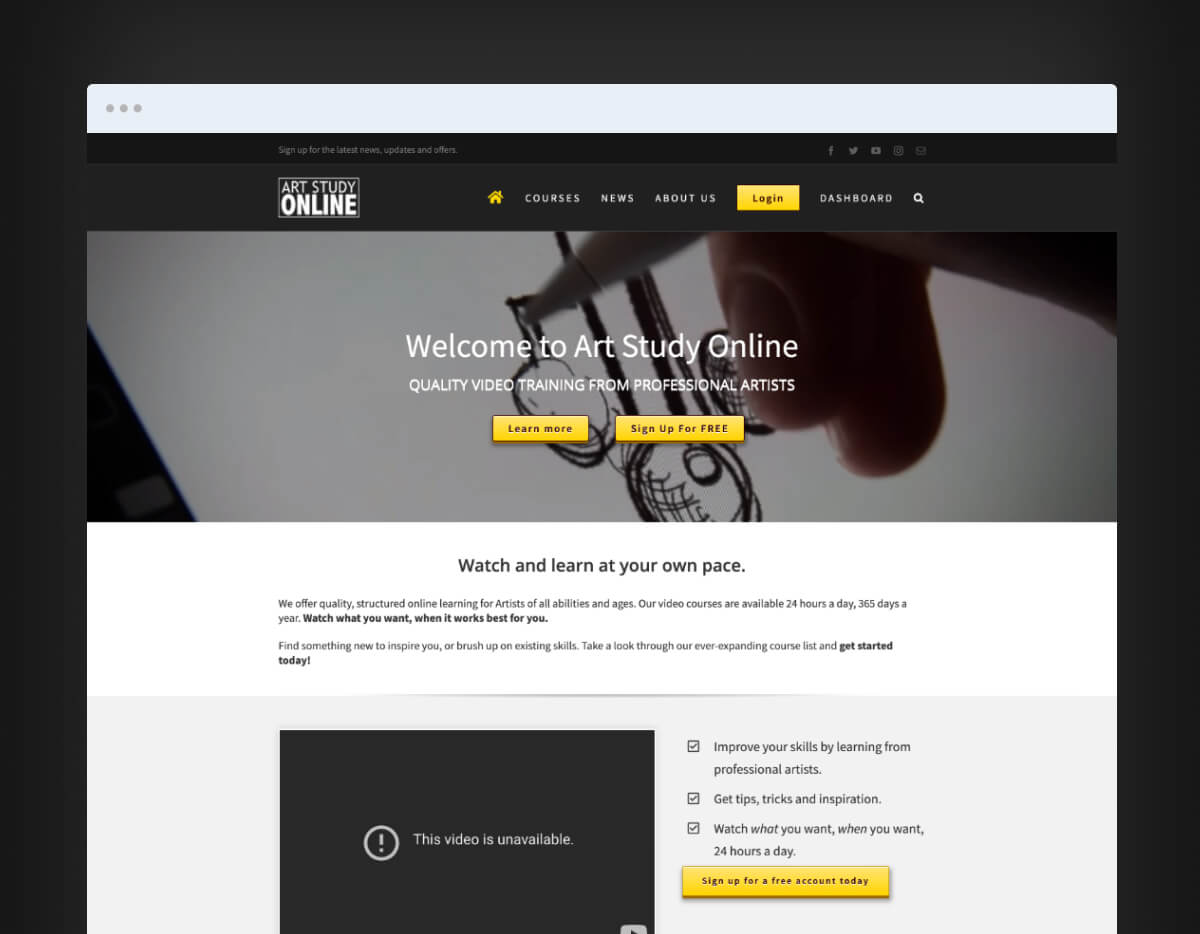
The world of art has undergone a significant transformation in recent years, with the rise of online learning platforms and digital tools. Today, it's possible to study art online and access a vast array of resources, courses, and tutorials that can help you improve your skills. Whether you're a beginner or an experienced artist, studying art online can be a convenient and effective way to learn new techniques, explore different mediums, and connect with other artists.
If you're new to online art studies, getting started can seem overwhelming. Where do you begin? What resources are available? How do you stay motivated and engaged? In this guide, we'll provide you with practical tips and advice on how to study art online, covering everything from courses and tutorials to software and community resources.
Exploring Online Art Courses
One of the best ways to study art online is through online courses. These courses offer a structured learning experience, with video lessons, assignments, and feedback from instructors. Here are some popular online art courses:
Skillshare: Skillshare offers a wide range of online art courses, covering topics such as drawing, painting, photography, and graphic design.
Udemy: Udemy provides a vast array of online courses, including art classes, tutorials, and workshops.
New Masters Academy: New Masters Academy offers online courses and tutorials on drawing, painting, and art fundamentals.
When choosing an online art course, consider the following factors:
Level of experience: Look for courses that cater to your level of experience, whether you're a beginner or an advanced artist.
Course format: Consider the course format, including video lessons, text-based tutorials, and assignments.
Instructor feedback: Look for courses that offer feedback from instructors, either through email, online forums, or live sessions.
Mastering Digital Art Software
Digital art software has revolutionized the way artists create and work. With the right software, you can create stunning artworks, experiment with different techniques, and edit your work with ease. Here are some popular digital art software:
Adobe Photoshop: Adobe Photoshop is a powerful image editing software that's widely used in the art industry.
Procreate: Procreate is a popular digital painting app for iPad and iPhone.
Corel Painter: Corel Painter is a digital painting software that mimics traditional art materials.
When choosing digital art software, consider the following factors:
User interface: Look for software with an intuitive user interface that's easy to navigate.
Features: Consider the features you need, such as layers, brushes, and effects.
Compatibility: Check the software's compatibility with your device and operating system.
Practicing Art with Online Tutorials
Online tutorials are a great way to practice art and learn new techniques. Here are some popular online tutorial resources:
YouTube: YouTube offers a vast array of art tutorials, covering topics such as drawing, painting, and digital art.
DeviantArt: DeviantArt is a community-driven platform that offers tutorials, critiques, and resources for artists.
ArtStation: ArtStation is a platform for artists to showcase their work and learn from others.
When using online tutorials, consider the following tips:
Follow along: Follow along with the tutorial, pausing and rewinding as needed.
Experiment: Experiment with different techniques and mediums.
Practice regularly: Practice regularly to reinforce your learning.
Staying Motivated and Engaged
Studying art online can be a solitary experience, but it doesn't have to be. Here are some tips for staying motivated and engaged:
Join online communities: Join online communities, forums, and social media groups to connect with other artists.
Set goals: Set goals and deadlines to stay motivated and focused.
Share your work: Share your work with others, either online or in-person, to get feedback and support.
FAQs
Here are some frequently asked questions about studying art online:
Q: What are the benefits of studying art online?
Studying art online offers flexibility, convenience, and access to a vast array of resources and courses.
Q: What kind of software do I need to study art online?
The software you need will depend on your specific goals and interests, but popular options include Adobe Photoshop, Procreate, and Corel Painter.
Q: How do I stay motivated and engaged when studying art online?
Join online communities, set goals and deadlines, and share your work with others to stay motivated and engaged.
- Q: Can I get feedback on my art when studying online?
Yes, many online courses and communities offer feedback on your art, either through instructors, peers, or online forums.
Conclusion
Studying art online offers a world of possibilities, from courses and tutorials to software and community resources. By following these tips and advice, you can create a successful online art study routine that helps you improve your skills and achieve your artistic goals. Whether you're a beginner or an experienced artist, there's never been a better time to study art online and unlock your creative potential.
