
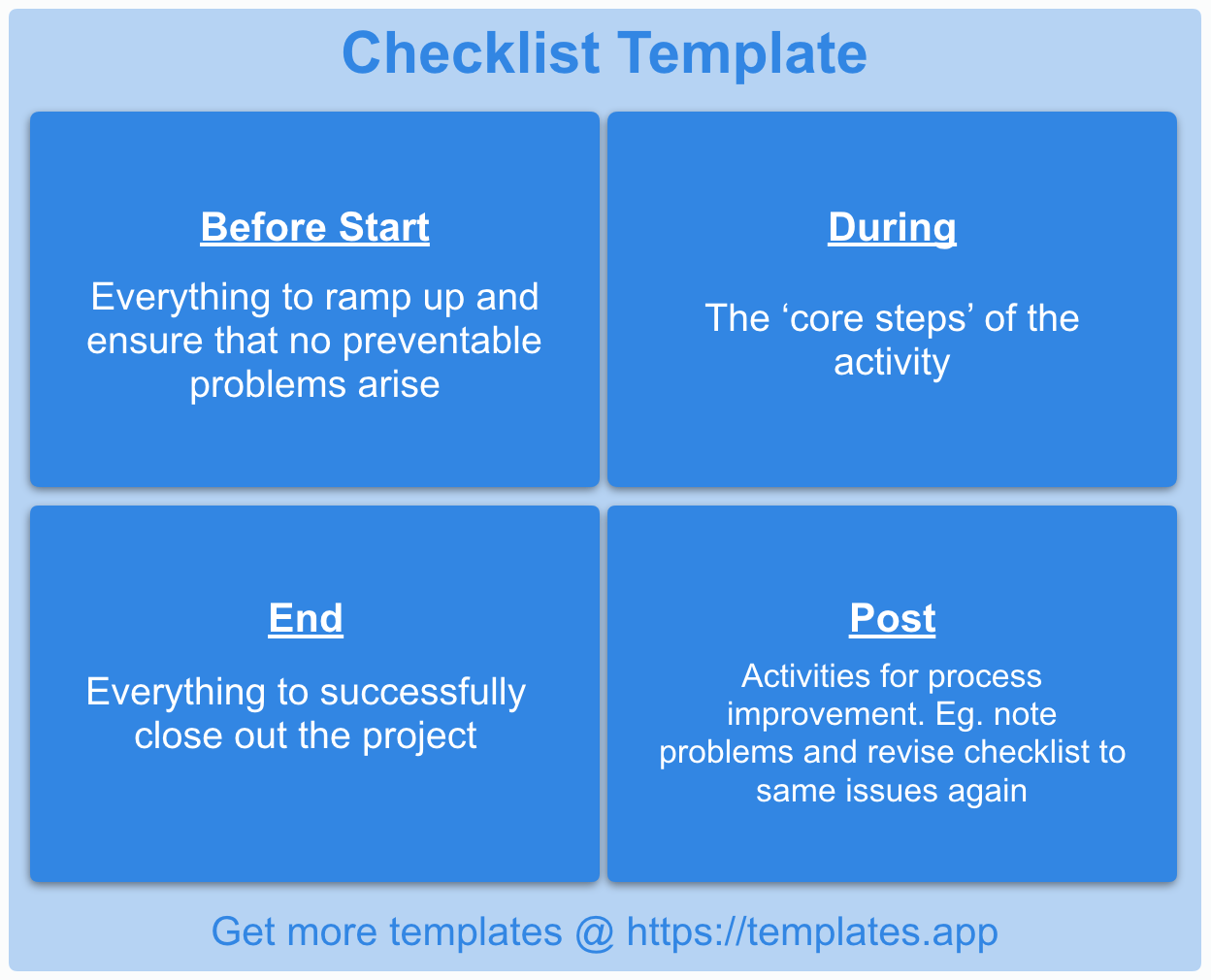
Checklist App Showdown: What Actually Makes Sense?
You're likely no stranger to the concept of checklists. These simple yet powerful tools have been helping individuals and teams stay organized and focused for decades. However, with the rise of digital tools and apps, the way we create and manage checklists has changed dramatically. Today, we're spoiled for choice with numerous apps offering checklist templates that cater to various needs and workflows.
The Quest for the Perfect Checklist App
So, what makes a checklist app great? For starters, it should offer a range of customizable templates that can be adapted to your specific needs. It should also be easy to use, with an intuitive interface that makes creating and managing checklists a breeze. Additionally, seamless integration with other tools and apps, collaboration features, and robust analytics can elevate a checklist app from good to great.
Top Contenders for Checklist Templates
Several apps stand out in the crowded checklist market. Here are a few notable mentions:
Trello: Known for its Kanban boards, Trello also offers a range of checklist templates that can be used across various workflows.
Asana: This popular task management app includes checklist features that enable teams to create and manage complex workflows.
Evernote: A versatile note-taking app that also offers checklist templates for organizing tasks and projects.
A Deep Dive into Top Checklist Apps
Let's take a closer look at three top checklist apps that offer exceptional templates and features.
Trello: A Visual Approach to Checklists
Trello's checklist feature is part of its larger Kanban board system. Users can create boards, lists, and cards, and then add checklists to cards to track progress. Trello's checklist templates are highly customizable, with options to add due dates, attachments, and comments.
One of Trello's strengths is its visual approach. The app's boards and cards provide a clear overview of projects and tasks, making it easy to prioritize and track progress. However, Trello's checklist features can become cluttered if not managed carefully.
Asana: A Task Management Powerhouse
Asana is a task management app that offers robust checklist features. Users can create tasks, add subtasks, and then convert these subtasks into checklists. Asana's checklist templates are highly customizable, with options to add fields for due dates, priorities, and assignees.
Asana's strength lies in its ability to integrate checklists into larger workflows. The app's task management features enable teams to assign tasks, track progress, and set deadlines. However, Asana's checklist features can be overwhelming for smaller projects or personal use cases.
Google Keep: A Simple yet Effective Checklist App
Google Keep is a lightweight note-taking app that offers a simple checklist feature. Users can create notes, add checklists, and then share these notes with others. Google Keep's checklist templates are minimalistic, with options to add due dates and reminders.
Google Keep's strength lies in its simplicity. The app is easy to use, with a clean interface that makes creating and managing checklists a breeze. However, Google Keep's checklist features are limited compared to other apps.
Comparison Time: Which App Reigns Supreme?
| <strong>App</strong> | <strong>Checklist Templates</strong> | <strong>Customization</strong> | <strong>Integration</strong> | <strong>Collaboration</strong> |
|---|---|---|---|---|
| Trello | High | High | High | |
| Asana | High | High | High | |
| Google Keep | Low | Medium | Medium |
Practical Advice: Choosing the Right Checklist App
So, which checklist app is right for you? Here are some practical tips to help you decide:
Assess your workflow: Consider the types of tasks and projects you'll be managing. Do you need a simple checklist app or a more comprehensive task management tool?
Evaluate customization options: Look for apps that offer flexible checklist templates and customization options.
Integration is key: Consider apps that integrate seamlessly with other tools and apps you use.
Real-World Scenarios: Checklists in Action
Checklists can be applied to various real-world scenarios. Here are a few examples:
Event planning: Create a checklist for event planning, including tasks such as venue booking, catering, and invitations.
Project management: Use checklists to track progress on complex projects, including tasks such as research, design, and testing.
Personal productivity: Create a daily checklist to stay organized and focused, including tasks such as exercise, meditation, and work assignments.
FAQs
Here are some frequently asked questions about checklist apps:
Q: What is the best checklist app for teams?
Trello and Asana are both excellent choices for teams, offering robust checklist features and collaboration tools.
Q: Can I use checklist apps for personal projects?
Absolutely! Google Keep and Trello are both suitable for personal projects, offering simple and intuitive checklist features.
Q: How do I choose the right checklist app for my business?
Consider your workflow, customization needs, and integration requirements when selecting a checklist app for your business.
Closing Thoughts
Finding the best app for checklist templates requires careful consideration of your workflow, customization needs, and integration requirements. By evaluating top checklist apps and considering practical advice, you can make an informed decision that streamlines your workflow and boosts productivity. Whether you're a team or an individual, there's a checklist app out there that's right for you.
Related: A Practical Guide to Finding the Best Free Checklist App
