
The Quest for Affordable Design Solutions
As a creative professional or an enthusiastic DIY designer, you're likely no stranger to the hefty price tags that come with industry-standard design software. However, what if you could access top-notch design tools without spending a dime? The world of free online design tools has evolved significantly, offering a wide range of options that can help you create stunning visuals, craft engaging web pages, and bring your artistic visions to life.
In this article, we'll explore the best free online design tools that can help you achieve your creative goals. From graphic design and digital art to web design and UI/UX, we'll cover the most impressive tools that won't cost you a penny.
Graphic Design on a Budget
Graphic design is a crucial aspect of visual communication, and having the right tools can make all the difference. Here are some of the best free online graphic design tools that can help you create professional-looking designs:
Canva: A popular and user-friendly platform that offers a vast library of templates, fonts, and graphics. Canva is an excellent choice for non-designers and professionals alike, with its intuitive interface and extensive feature set.
GIMP: A free and open-source raster graphics editor that rivals Adobe Photoshop. GIMP offers advanced features like layers, filters, and effects, making it an excellent choice for those who need a powerful graphic design tool.
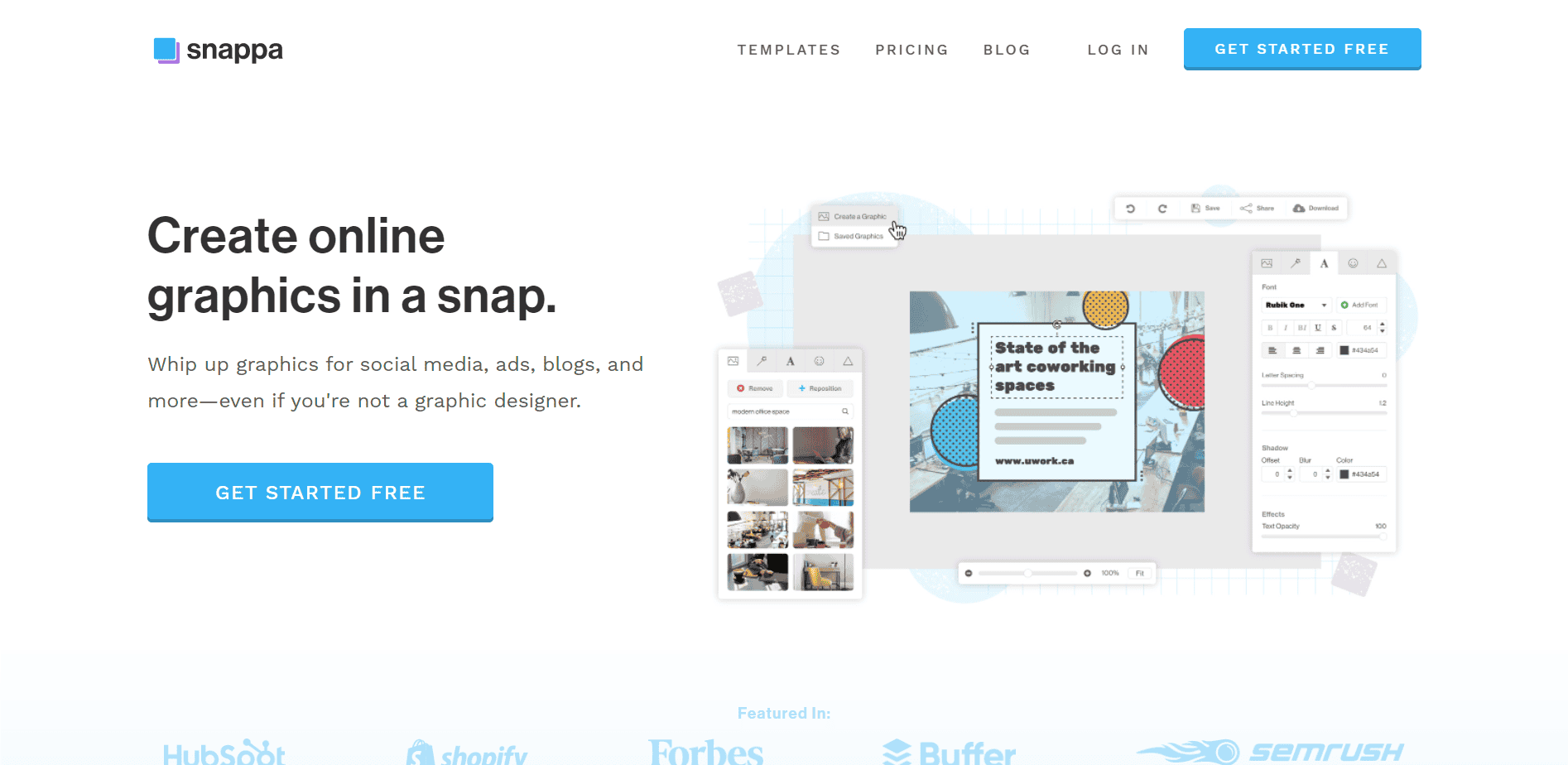
Comparison of Graphic Design Tools
| Tool | Features | User Interface | Target Audience |
|---|---|---|---|
| Canva | Templates, fonts, graphics, intuitive interface | Easy to use | Non-designers, professionals |
| GIMP | Layers, filters, effects, customizable | Steep learning curve | Professionals, advanced users |
Digital Art and Illustration
For digital artists and illustrators, finding the right software can be a challenge. Here are some free online design tools that can help you create stunning digital art:
Krita: A free and open-source painting and illustration software that offers a wide range of brush engines, including customizable brushes and textures. Krita is an excellent choice for digital artists who need a versatile and powerful tool.
Inkscape: A free and open-source vector graphics editor that rivals Adobe Illustrator. Inkscape offers advanced features like layers, paths, and effects, making it an excellent choice for illustrators and graphic designers.
Web Design and UI/UX
Web design and UI/UX are critical aspects of creating engaging online experiences. Here are some free online design tools that can help you craft stunning web pages and user interfaces:
Figma: A cloud-based UI/UX design tool that offers real-time collaboration and feedback. Figma is an excellent choice for designers who need to work with teams and stakeholders.
Webflow: A free online design tool that allows you to create responsive web pages without coding. Webflow offers a range of templates and design elements, making it an excellent choice for web designers and developers.
Practical Tips and Tricks
When using free online design tools, it's essential to keep in mind a few practical tips and tricks:
Start with a clear vision: Before diving into design, define your goals and objectives. This will help you focus your efforts and create a cohesive design.
Experiment and play: Don't be afraid to try new tools and techniques. Experimenting with different design elements and software can help you discover new possibilities and improve your skills.
Keep it simple: Don't overcomplicate your design. Focus on clean lines, simple typography, and a clear message.
Trust-Building Insights
As a creative professional or DIY designer, you need to trust that the tools you're using will deliver high-quality results. Here are some insights that can help you build trust in free online design tools:
Community support: Look for tools with active communities and forums. This can be a great way to connect with other designers, get feedback, and learn new skills.
Regular updates: Choose tools that are regularly updated with new features and improvements. This ensures that you're using the latest and greatest technology.
Frequently Asked Questions
Q: Are free online design tools really as good as paid software?
While paid software often offers more advanced features and support, free online design tools can be incredibly powerful and effective. It ultimately depends on your specific needs and goals.
Q: Can I use free online design tools for commercial projects?
It depends on the tool and its licensing terms. Be sure to check the terms of service and licensing agreements before using free online design tools for commercial projects.
Q: How do I choose the right free online design tool for my needs?
Consider your specific design needs, skill level, and goals. Research different tools, read reviews, and try out a few options to find the one that works best for you.
Conclusion
The world of free online design tools has come a long way, offering a wide range of options that can help you create stunning visuals, craft engaging web pages, and bring your artistic visions to life. By choosing the right tools, experimenting with different techniques, and keeping practical tips and tricks in mind, you can elevate your creative projects and achieve your design goals without breaking the bank.
Related: What to Know About Free Best Resume Templates
Related: Website Building: What Actually Makes Sense?
Related: A Practical Guide to Creating WordPress Online Courses
