
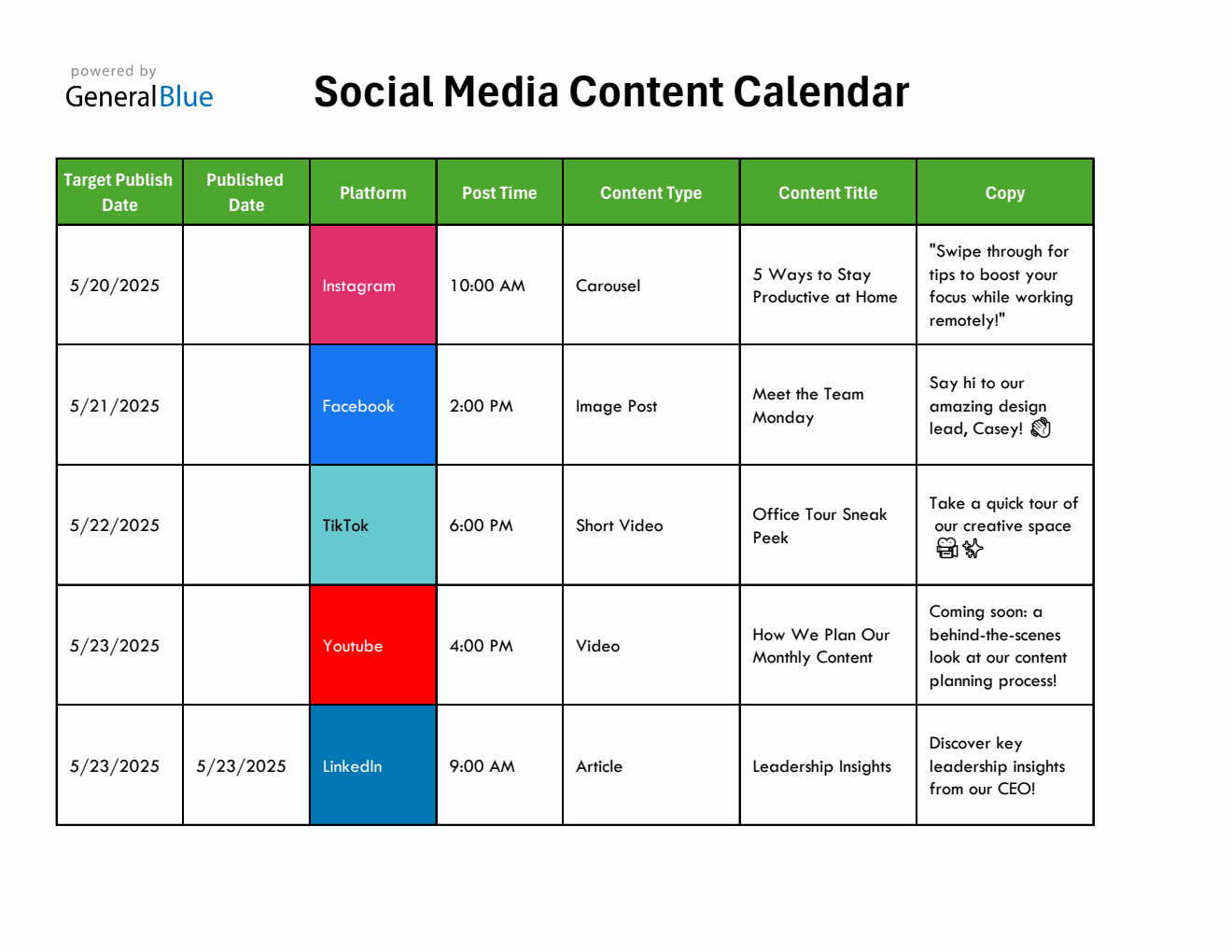
Finding the Right Content Calendar Template in Excel
When it comes to planning and organizing your content, a content calendar is an indispensable tool. For many businesses and individuals, Microsoft Excel remains a go-to platform for creating and managing such calendars due to its accessibility and flexibility. But with a plethora of templates available, how do you choose the right one, especially when you're looking for something free?
Benefits of Using a Content Calendar Template in Excel
Before diving into the specifics of templates, let's consider why a content calendar is beneficial:
- Improved Organization: Keeps all your content in one place.
- Enhanced Planning: Allows for better strategy and scheduling.
- Increased Productivity: Reduces the time spent on deciding what to post and when.
Types of Content Calendars in Excel
Not all content calendars are created equal. They can range from simple spreadsheets that list out dates and content types to more complex templates that include columns for keywords, authors, and publication status.
Simple vs. Detailed Templates
- Simple Templates: Ideal for small teams or individuals with straightforward content needs. They are easy to set up and use.
- Detailed Templates: Suited for larger teams or complex content strategies. They offer more granular control but can be overwhelming for beginners.
Criteria for Choosing a Content Calendar Template
When searching for a free content calendar template in Excel, consider the following:
- Ease of Use: Is the template intuitive? Can you easily add or modify entries?
- Customizability: Can you add or remove columns as needed?
- Scalability: Will the template grow with your content needs?
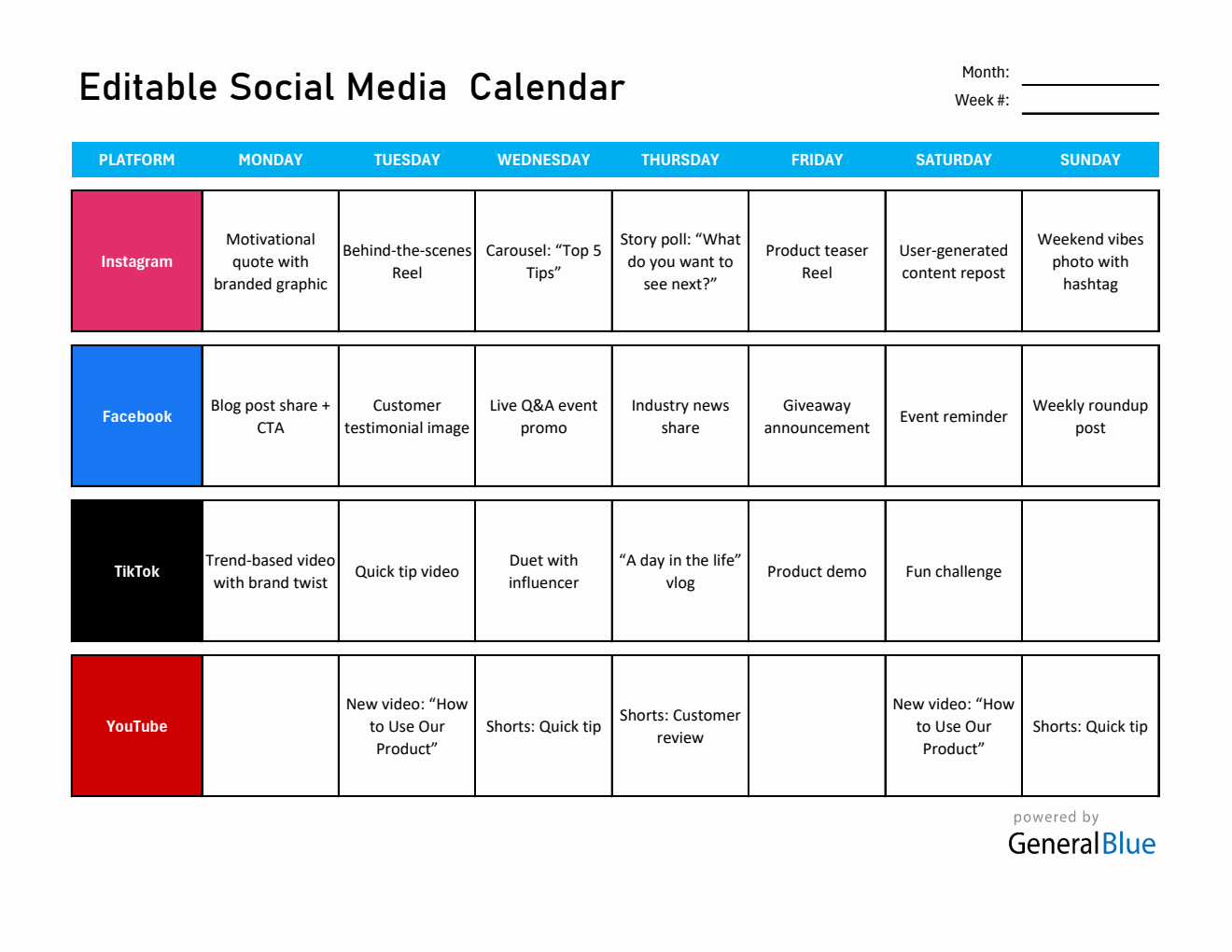
Top Free Content Calendar Templates in Excel
Several websites offer high-quality, free content calendar templates. Here are a few notable ones:
- Microsoft Templates: Offers a range of free templates, including content calendars tailored for marketing and editorial use.
- Smartsheet: Provides a variety of templates, including a detailed content calendar template that can be downloaded as an Excel file.
- HubSpot: Offers a free content calendar template in Excel, designed specifically for marketing teams.
Comparison of Popular Templates
| Template Source | Ease of Use | Customizability | Scalability |
|---|---|---|---|
| Microsoft Templates | High | Medium | Medium |
| Smartsheet | Medium | High | High |
| HubSpot | High | Medium | Medium |
"The best content calendar template is one that you will actually use. It's not about finding the most comprehensive template but one that fits your workflow and needs." - Anonymous Marketer
Customizing Your Chosen Template
Once you've selected a template, customization is key. Here are some steps to tailor it to your needs:
- Identify Your Needs: Determine what information you need to track.
- Modify Columns: Add or remove columns based on your needs.
- Set Up Views: Create different views for different types of content or teams.
Common Mistakes to Avoid
- Overcomplicating the Template: Keep it simple unless you have a complex strategy.
- Not Regularly Updating the Calendar: Make it a habit to update the calendar regularly.
Practical Tips for Implementation
- Start Small: Begin with a simple template and scale up as needed.
- Involve Your Team: Make sure everyone understands how to use the calendar.
- Review and Adjust: Regularly review the calendar's effectiveness and make adjustments.
FAQs
Q: What is a content calendar template in Excel?
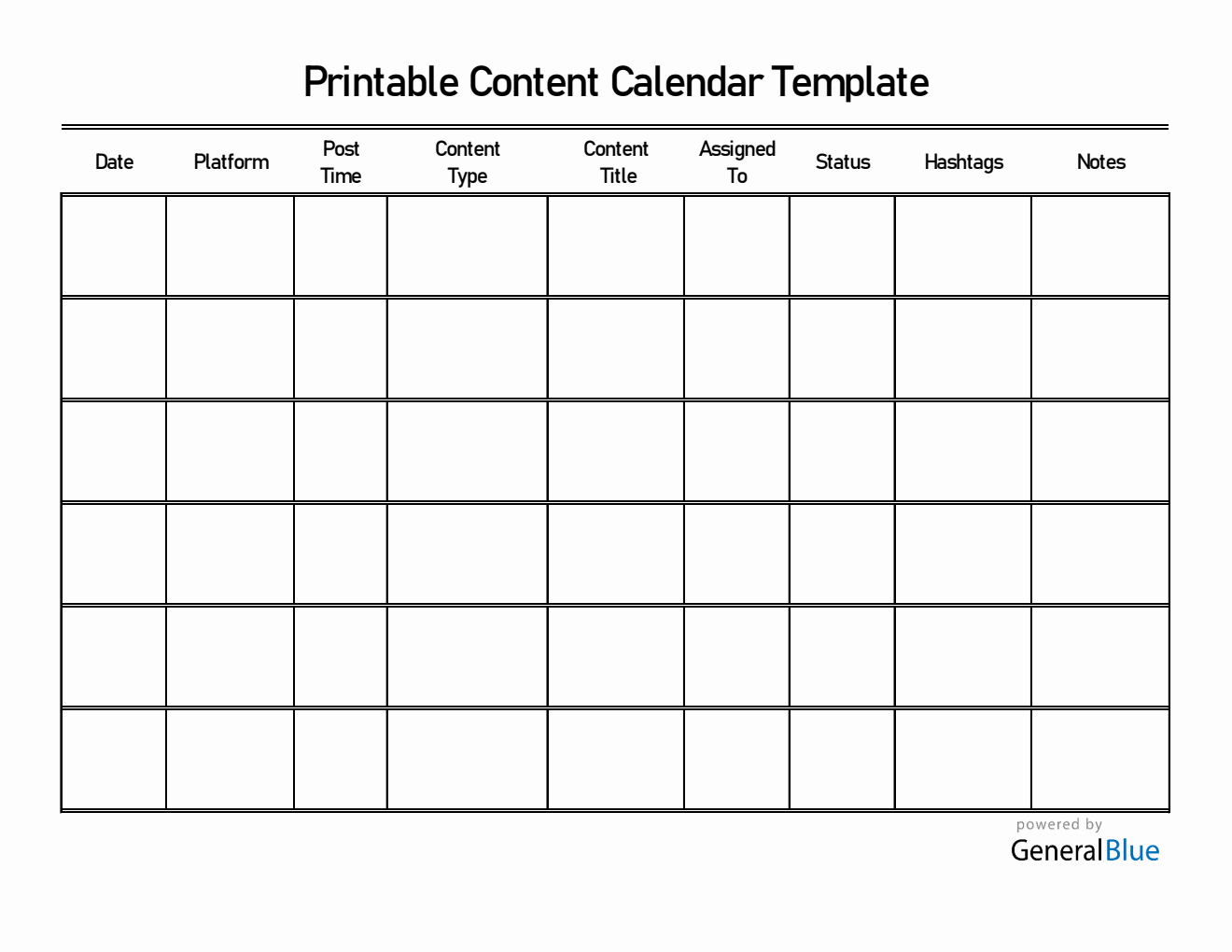
A content calendar template in Excel is a pre-designed spreadsheet that helps plan, organize, and track content across various channels.
Q: Why should I use a content calendar template?
Using a content calendar template can streamline your content creation process, improve organization, and enhance productivity.
Q: Can I customize a free content calendar template?
Yes, most free templates are customizable to some extent. You can usually add or remove columns and modify existing ones.
Q: How do I choose the best template for my needs?
Consider your content strategy's complexity, the size of your team, and the specific information you need to track when selecting a template.
Conclusion
Finding the right content calendar template in Excel is about understanding your needs, evaluating available options, and customizing the template to fit your workflow. By doing so, you can significantly improve your content planning and execution, making your marketing efforts more efficient and effective.
Related: How to Build a Recruitment Website That Attracts Top Talent
Related: How to Build a Website Without the Headache: Top Tips
