
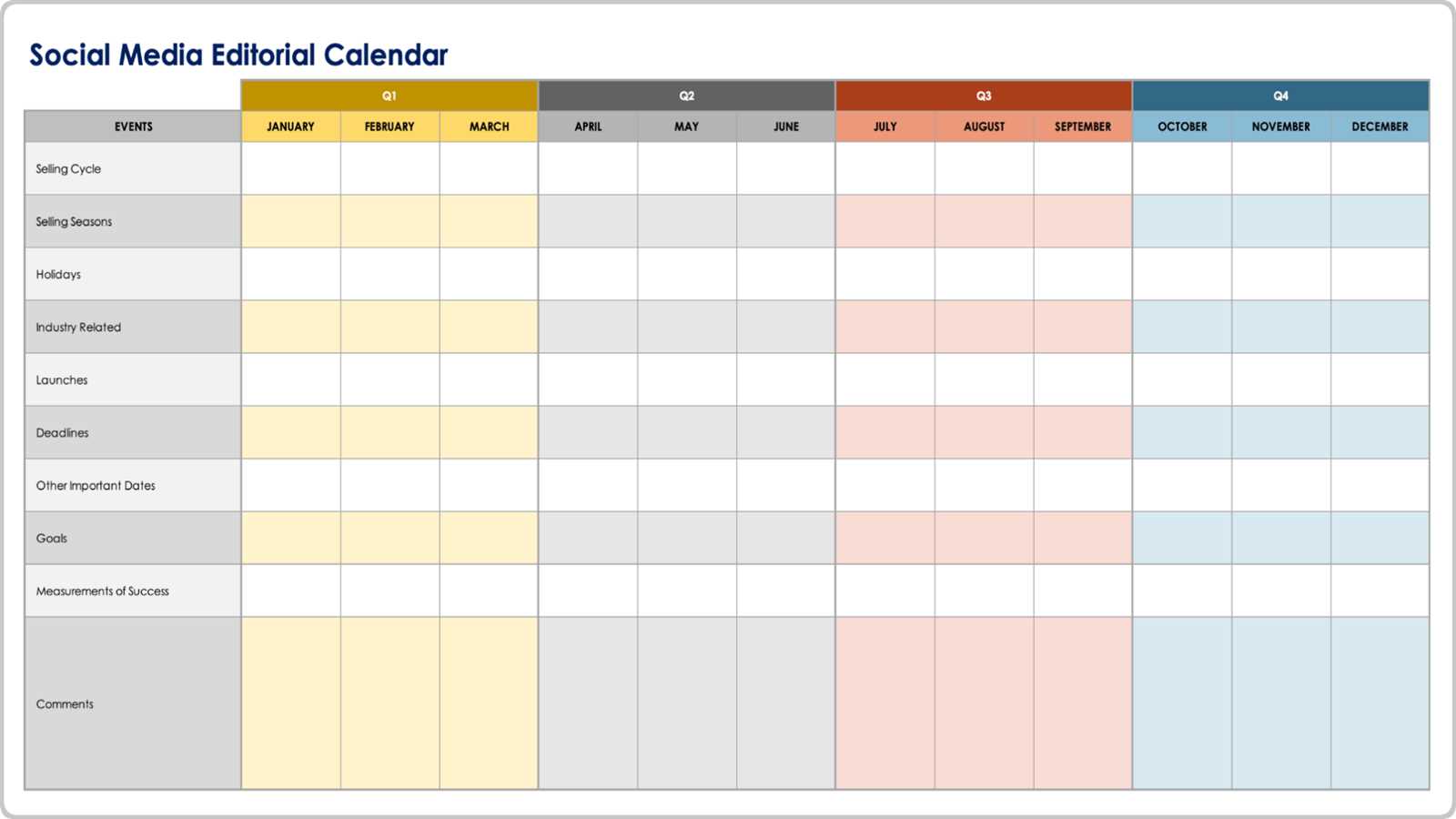
Why a Digital Content Calendar Template Matters
In the fast-paced world of content marketing, staying organized and consistent is key to success. A digital content calendar template is an essential tool for planning, creating, and publishing content across various channels. It helps you streamline your content creation process, ensuring that your message reaches your target audience at the right time. Without a content calendar, you risk inconsistency, duplication of effort, and missed opportunities.
Choosing the Right Digital Content Calendar Template
When selecting a digital content calendar template, consider your specific needs and goals. Do you manage a team or work solo? What type of content do you create (blog posts, social media, videos, podcasts)? What are your distribution channels (website, email, social media)? A template that suits a small business might not work for a large corporation or a personal blogger. Look for a template that is flexible, customizable, and scalable.
Some popular digital content calendar templates include:
Google Sheets or Excel spreadsheets
Trello or Asana project management tools
Content calendar software like CoSchedule or HubSpot
Simple calendar apps like Google Calendar or Apple Calendar
Template Features to Consider
When evaluating a digital content calendar template, look for the following features:
Customizable columns: Include columns for content type, publication date, channel, status, and team member responsible.
Drag-and-drop functionality: Easily move content around to adjust your schedule as needed.
Collaboration tools: Allow team members to comment, assign tasks, and track progress.
Integrations: Connect with other tools and platforms, such as social media schedulers or email marketing software.
Setting Up Your Digital Content Calendar Template
Once you've chosen a template, it's time to set it up. Start by defining your content strategy and goals. Identify your target audience, content types, and distribution channels. Then, create a list of essential columns and features for your template.
Here's a basic setup to get you started:
| Column Name | Description |
|---|---|
| Content Title | Brief title of the content piece |
| Content Type | Blog post, social media, video, podcast, etc. |
| Publication Date | Scheduled publication date |
| Channel | Distribution channel (website, email, social media) |
| Status | Draft, in progress, published, etc. |
| Team Member | Responsible team member |
Using Your Digital Content Calendar Template Effectively
To get the most out of your digital content calendar template, establish a few key habits:
Regularly review and update your calendar: Ensure that your schedule remains relevant and achievable.
Plan ahead: Schedule content at least 2-3 weeks in advance to allow for preparation and revisions.
Use color-coding or labels: Visualize your content types, channels, or team members to quickly identify patterns or gaps.
"A digital content calendar template is not a one-time setup; it's a living document that evolves with your content strategy and goals."

Comparing Digital Content Calendar Templates
When choosing a digital content calendar template, consider the tradeoffs between different options. Here's a brief comparison of popular templates:
| Template | Pros | Cons |
|---|---|---|
| Google Sheets/Excel | Flexible, customizable, free | Manual updates, limited collaboration |
| Trello/Asana | Visual, collaborative, scalable | Steep learning curve, paid plans |
| CoSchedule/HubSpot | Integrated, feature-rich, scalable | Costly, complex setup |
Best Practices for Content Calendar Management
To ensure that your digital content calendar template remains effective, follow these best practices:
Establish clear roles and responsibilities: Define team members' tasks and deadlines.
Use a centralized hub: Store all content-related information in one place.
Prioritize content: Focus on high-impact content that aligns with your goals.
Common FAQs

Q: What is a digital content calendar template?
A digital content calendar template is a tool used to plan, organize, and schedule content across various channels.
Q: Why do I need a digital content calendar template?
A digital content calendar template helps you streamline your content creation process, ensuring consistency, efficiency, and audience engagement.
Q: How do I choose the right digital content calendar template?
Consider your specific needs and goals, content types, distribution channels, and team size when selecting a template.
Q: Can I use a digital content calendar template for social media?
Yes, many digital content calendar templates can be adapted for social media scheduling, or you can use a specialized social media scheduling tool.
Conclusion
A well-crafted digital content calendar template is essential for creating a winning content strategy. By choosing the right template, setting it up effectively, and using it consistently, you'll improve your content's impact, efficiency, and audience engagement. Regularly review and adjust your template to ensure it remains aligned with your evolving goals and strategy.
Related: Crafting a Social Media Content Calendar for Consistent
Related: How to Use Free AI Tools to Boost Your Productivity
