

A Resume that Stands Out
In the competitive job market, a well-crafted resume can make all the difference. It's often the first impression you make on a potential employer, and it needs to showcase your skills, experience, and achievements in a clear and compelling way. But creating a standout resume can be a daunting task, especially if you're not sure where to start.
That's where an online resume template maker comes in. These tools provide a quick and easy way to create a professional-looking resume, with pre-designed templates and intuitive editing interfaces. But with so many options available, how do you choose the right one for your needs?
What to Look for in an Online Resume Template Maker
When selecting an online resume template maker, there are several key factors to consider. Here are some of the most important things to look for:
Variety of templates: A good online resume template maker should offer a range of templates to choose from, each with a unique design and layout. This will help you find a template that fits your style and industry.
Easy editing interface: The editing interface should be intuitive and easy to use, with drag-and-drop functionality and a WYSIWYG editor.
Customization options: Look for a tool that allows you to customize your resume with your own fonts, colors, and images.
Real-time preview: A real-time preview feature lets you see how your resume will look as you edit it, which can be a huge time-saver.
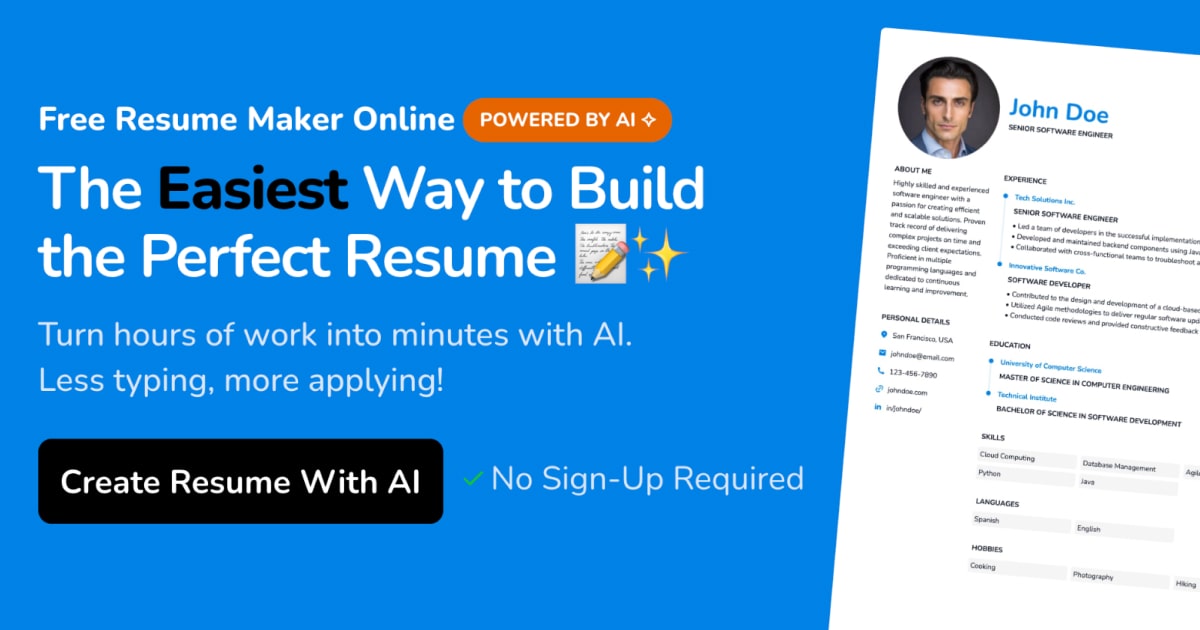
Top Online Resume Template Makers Compared
| <strong>Tool</strong> | <strong>Templates</strong> | <strong>Editing Interface</strong> | <strong>Customization Options</strong> | <strong>Real-time Preview</strong> |
|---|---|---|---|---|
| Canva | 100+ | Drag-and-drop | Extensive | Yes |
| Resume.io | 20+ | Intuitive editor | Good | Yes |
| Hloom | 20+ | Easy-to-use | Limited | No |
| Resume Companion | 10+ | Simple editor | Good | Yes |
Creating a Winning Resume with an Online Template Maker
Using an online resume template maker is a straightforward process. Here are the general steps:
- Choose a template: Browse through the available templates and select one that fits your style and industry.
- Fill in your information: Enter your education, work experience, skills, and achievements into the template.
- Customize your resume: Use the editing interface to customize your resume with your own fonts, colors, and images.
- Preview and download: Preview your resume in real-time and download it as a PDF or Word document.
Tips for Making Your Resume Stand Out
While an online resume template maker can help you create a professional-looking resume, there are several things you can do to make it stand out:
Tailor your resume to the job: Customize your resume for each job you apply to, highlighting the skills and experience that match the job requirements.
Use keywords: Use keywords related to the job and industry to help your resume pass through applicant tracking systems (ATS) and catch the eye of the hiring manager.
Quantify your achievements: Use numbers and statistics to demonstrate the impact you've had in your previous roles.
"A well-crafted resume is not just a summary of your experience and skills – it's a marketing document that showcases your value as a candidate. By using an online resume template maker and tailoring your resume to the job, you can increase your chances of getting noticed by hiring managers and recruiters." – Career Coach
Common Mistakes to Avoid
When creating your resume, there are several common mistakes to avoid:
Typos and grammatical errors: A single mistake can make a negative impression and hurt your chances of getting hired.
Lack of customization: Failing to tailor your resume to the job can make it seem generic and uninteresting.
Insufficient keywords: Not using relevant keywords can make it harder for your resume to pass through ATS and catch the eye of the hiring manager.
Frequently Asked Questions
Q: What is the best online resume template maker?
The best online resume template maker for you will depend on your specific needs and preferences. Canva and Resume.io are two popular options that offer a range of templates and easy editing interfaces.
Q: How do I choose the right template for my resume?
Choose a template that fits your style and industry, and make sure it's easy to read and scan.
Q: Can I use an online resume template maker for a career change?
Yes, an online resume template maker can be a great resource for career changers. Look for templates that highlight transferable skills and experience.
Q: How do I make my resume ATS-friendly?
Use keywords related to the job and industry, and make sure your resume is formatted in a clear and easy-to-read way.
Conclusion
Creating a winning resume takes time and effort, but with an online resume template maker, you can craft a professional-looking resume quickly and easily. By choosing the right tool, customizing your template, and tailoring your resume to the job, you can increase your chances of getting noticed by hiring managers and recruiters.
Related: Free Resume Templates for Professionals: Boost Your Job Search
Related: Resume Template Online Editor Free
Related: Find Your Dream Job with a Free Online Template for Resume
Related: A Practical Guide to Unique Side Hustle Ideas
Related: 5 Useful Things to Know About Customizing a Resume Template
Related: What to Know About Freelance Offer Letter Templates
