
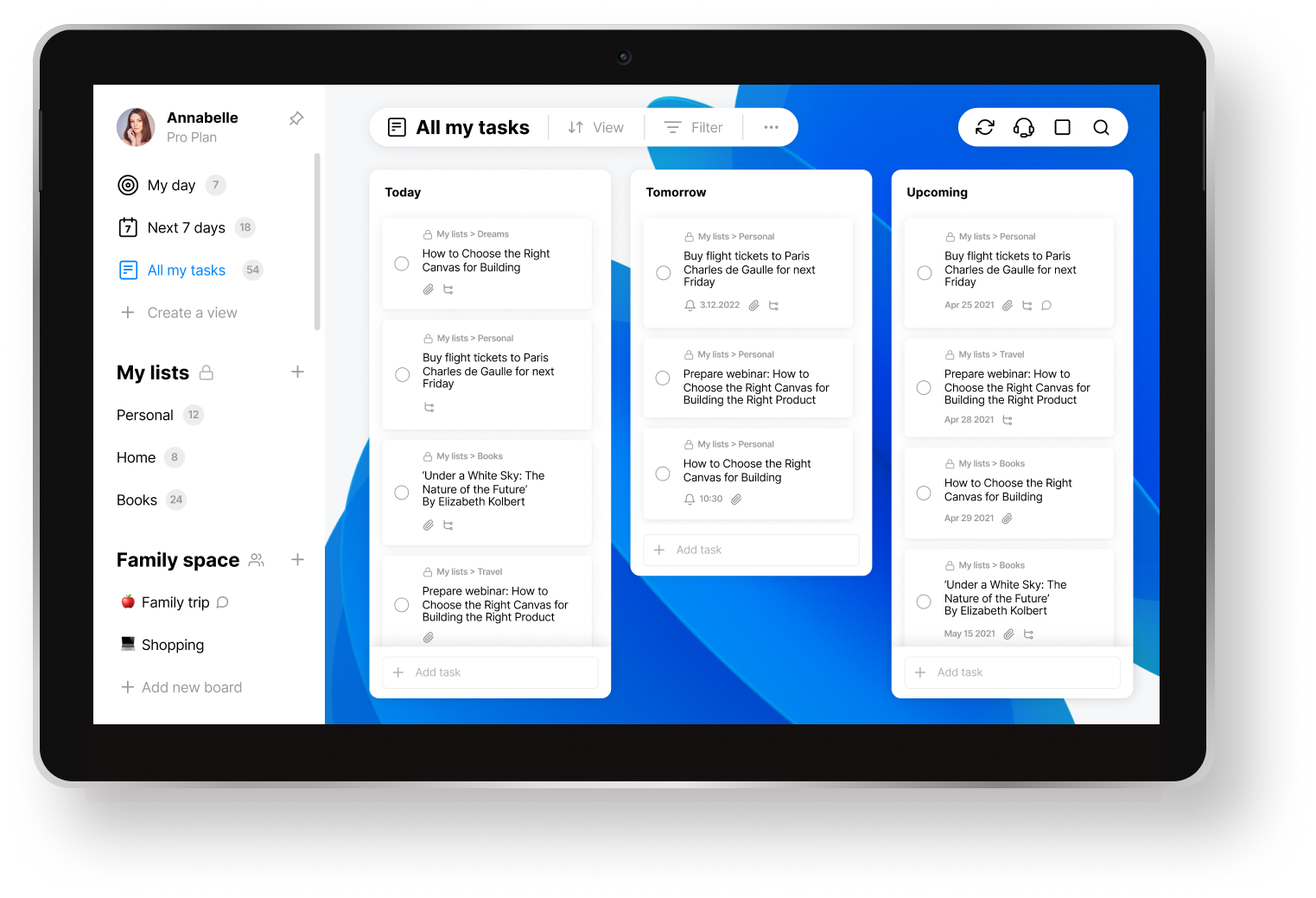
Free Checklist App for Windows: What Actually Makes Sense?
Finding the Right Free Checklist App for Windows
When you're juggling multiple tasks, projects, and deadlines, staying organized is crucial. A checklist app can be a lifesaver, helping you keep track of everything without getting overwhelmed. But with so many options available, how do you choose the best free checklist app for Windows?
What Makes a Great Checklist App?
A great checklist app should be easy to use, flexible, and feature-rich. It should allow you to create and manage lists, set reminders, and track progress. Here are some key features to look for:
Simple and intuitive interface: A clean and minimalistic design makes it easy to navigate and use the app.
Customizable lists: Create lists that fit your needs, with options to add, edit, and delete tasks.
Reminders and notifications: Set reminders and notifications to stay on track and ensure you never miss a deadline.
Collaboration features: Share lists with others, assign tasks, and track progress.
Top Free Checklist Apps for Windows
Here are some top free checklist apps for Windows that offer a great combination of features and ease of use:
1. Microsoft To Do
Microsoft To Do is a popular and highly-rated checklist app that integrates seamlessly with Windows. It allows you to create and manage lists, set reminders, and track progress.
Pros: Integrates with Windows, easy to use, and features a clean interface.
Cons: Limited customization options and no collaboration features.

2. Trello
Trello is a visual project management tool that uses boards, lists, and cards to organize tasks. It's highly customizable and features collaboration tools.
Pros: Highly customizable, features collaboration tools, and integrates with other apps.
Cons: Can be overwhelming for simple checklist needs and has a steeper learning curve.
3. Any.do
Any.do is a feature-rich checklist app that allows you to create and manage lists, set reminders, and collaborate with others.
Pros: Features a clean interface, collaboration tools, and integrates with other apps.
Cons: Limited free features and has ads.
4. TickTick
TickTick is a simple and intuitive checklist app that features a clean interface and customizable lists.
Pros: Easy to use, features a clean interface, and has a built-in Pomodoro timer.
Cons: Limited collaboration features and no integration with other apps.
Comparison of Top Free Checklist Apps
| App | Features | Ease of Use | Collaboration | Integration |
|---|---|---|---|---|
| Microsoft To Do | Lists, reminders, tracking | Easy | No | Windows |
| Trello | Boards, lists, cards, collaboration | Medium | Yes | Many apps |
| Any.do | Lists, reminders, collaboration | Easy | Yes | Many apps |
| TickTick | Lists, reminders, Pomodoro timer | Easy | No | None |
Practical Use Cases
Here are some practical use cases for checklist apps:
Personal task management: Use a checklist app to manage your daily tasks, such as grocery shopping, exercise, and work projects.
Project management: Use a checklist app to manage projects, assign tasks to team members, and track progress.
Study planning: Use a checklist app to plan and track your study schedule, including assignments, readings, and exams.
Choosing the Right App for Your Needs
When choosing a free checklist app for Windows, consider the following factors:
Your needs: What features do you need? Do you need collaboration tools or simple list management?
Ease of use: How easy is the app to use? Do you need a simple and intuitive interface?
Integration: Does the app integrate with other tools and apps you use?
FAQs
Q: What is the best free checklist app for Windows?
The best free checklist app for Windows depends on your needs. Microsoft To Do and TickTick are great for simple list management, while Trello and Any.do offer more features and collaboration tools.
Q: Can I use a checklist app for project management?
Yes, many checklist apps offer features suitable for project management, such as collaboration tools, task assignment, and progress tracking.
Q: Are there any limitations to free checklist apps?
Yes, free checklist apps often have limitations, such as limited features, ads, or limited collaboration tools.
Q: Can I use a checklist app for personal task management?
Yes, checklist apps are great for personal task management, helping you stay organized and on track with daily tasks and goals.
Conclusion
Choosing the right free checklist app for Windows can be overwhelming, but by considering your needs, ease of use, and features, you can find the perfect app for your task management needs. Whether you're looking for simple list management or robust project management features, there's a free checklist app out there that can help you stay organized and productive.
Related: 5 Useful Things to Know About Free Website Builders and Their
Related: Free Online Landscape Design Tools for a Stunning Yard
