
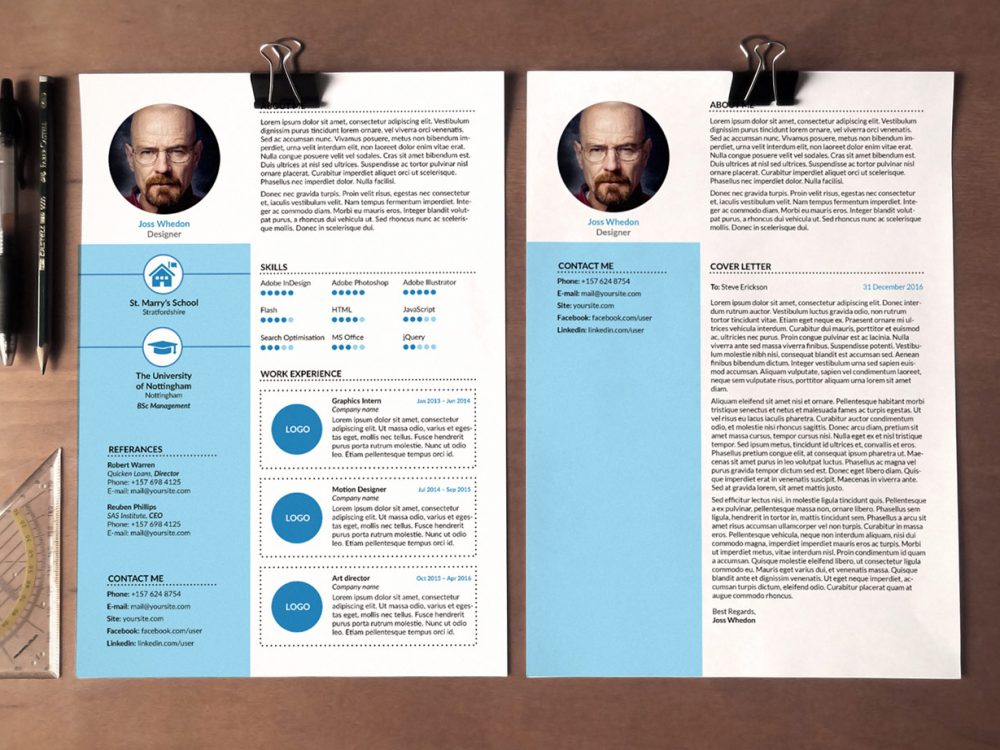
As you embark on a job search, your resume is often the first impression you make on potential employers. It's a crucial document that can make or break your chances of landing an interview. But creating a professional-looking resume from scratch can be daunting, especially if you're not design-savvy. That's where free online resume templates come in – a lifesaver for job seekers who want to create a stunning resume without breaking the bank.
Choosing the Right Template for Your Needs
With numerous free online resume templates available, selecting the right one can be overwhelming. You need a template that's not only visually appealing but also easy to customize and compatible with applicant tracking systems (ATS). A good template should help you showcase your skills, experience, and achievements in a clear and concise manner.When searching for free online resume templates, consider the following factors:
Industry: Different industries have unique requirements and preferences when it comes to resume design. For example, a creative field like graphic design or writing may allow for more artistic freedom, while a corporate job may require a more traditional layout.
Experience level: If you're entry-level, a simple and clean template may be more suitable. For senior-level professionals, a more detailed and accomplishment-focused template may be necessary.
Key skills: Highlight your technical skills and certifications by choosing a template that allows for prominent display.
Benefits of Using Free Online Resume Templates
Using free online resume templates offers several benefits: Time-saving: Templates save you time and effort in designing a resume from scratch.
Professional look: A well-designed template gives your resume a professional appearance, even if you're not a design expert.
Customization: Most templates are customizable, allowing you to tailor your resume to your specific needs and style.
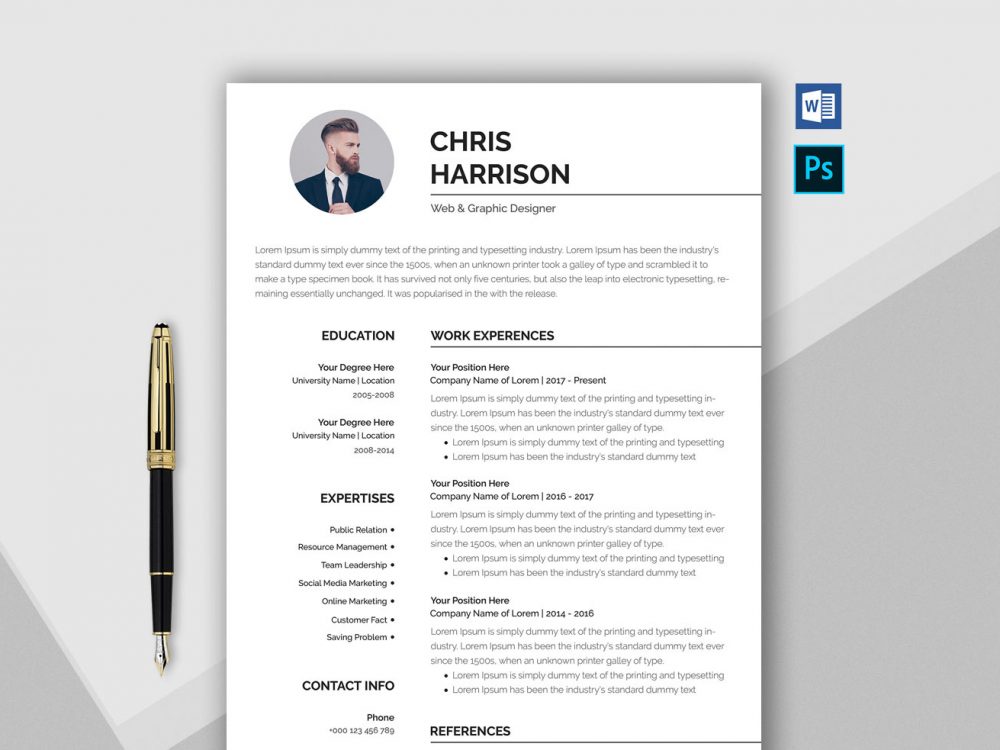
Top Free Online Resume Templates
Here are some popular free online resume templates to consider:| Template Name | Industry | Experience Level | Key Features |
|---|---|---|---|
| Resume.io | All | All | Simple, clean design; easy to customize; ATS-friendly |
| Canva Resume Templates | Creative | All | Variety of designs; drag-and-drop editor; collaboration features |
| Hloom Resume Templates | Corporate | All | Traditional layout; easy to customize; free fonts and icons |
| Google Docs Resume Templates | All | All | Simple, clean design; easy to edit; collaborative features |
Comparison of Top Templates
| Resume.io | Canva | Hloom | Google Docs |
|---|---|---|---|
| <strong>Design variety</strong> | 5/10 | 9/10 | 6/10 |
| <strong>Customization</strong> | 8/10 | 9/10 | 7/10 |
| <strong>ATS compatibility</strong> | 9/10 | 8/10 | 8/10 |
| <strong>Ease of use</strong> | 9/10 | 8/10 | 7/10 |
"A great resume template is like a good foundation for a house – it provides a solid base for you to build upon and showcase your skills and experience." – Career Coach
How to Customize Your Chosen Template
Once you've selected a template, it's essential to customize it to fit your needs. Here are some tips: Tailor your objective: Write a compelling objective statement that highlights your career goals and relevant skills.
Emphasize achievements: Instead of just listing job responsibilities, focus on the achievements and results you've achieved in your previous roles.
Use keywords: Incorporate relevant keywords from the job posting to help your resume pass through ATS.
Common Mistakes to Avoid
When using free online resume templates, avoid the following common mistakes: Over-customization: Don't overdo it with too many fonts, colors, or graphics. Keep your design clean and professional.
Lack of relevance: Make sure your template is relevant to the job you're applying for. Customize your resume for each job application.
Trust-Building: What Employers Think About Resumes
Employers and hiring managers often have to sift through numerous resumes, so make yours stand out by: Being concise: Keep your resume to one or two pages, depending on your experience level.
Using action verbs: Use strong action verbs like "managed," "created," and "developed" to describe your achievements.
Frequently Asked Questions
Q: Are free online resume templates really free?
Yes, most free online resume templates are genuinely free, but some may offer premium features or require attribution.
Q: Can I use a free template for a professional job application?
Absolutely! Many free templates are designed specifically for professional job applications and are ATS-friendly.
Q: How do I know if a template is ATS-compatible?
Look for templates that specifically mention ATS compatibility or use a standard font like Arial, Calibri or Helvetica.
Q: Can I customize a template to fit my personal brand?
Yes, most templates allow for customization, including adding your logo, changing colors, and rearranging sections.
Final Tips and Next Steps
Your resume is a dynamic document that should evolve with your career. By using free online resume templates, you can create a professional-looking resume that showcases your skills and experience. Remember to: Keep it up-to-date: Regularly update your resume to reflect new skills, achievements, and experiences.
- Tailor it to the job: Customize your resume for each job application to increase your chances of landing an interview.
By following these tips and using the right free online resume template, you'll be well on your way to creating a stunning resume that helps you stand out in a competitive job market.
Related: Content Strategy Calendar Tips
Related: Content Planning Calendar Tips
Related: Elevate Your Job Search with Free Resume Templates
Related: Free Resume Templates for Professionals to Stand Out
