
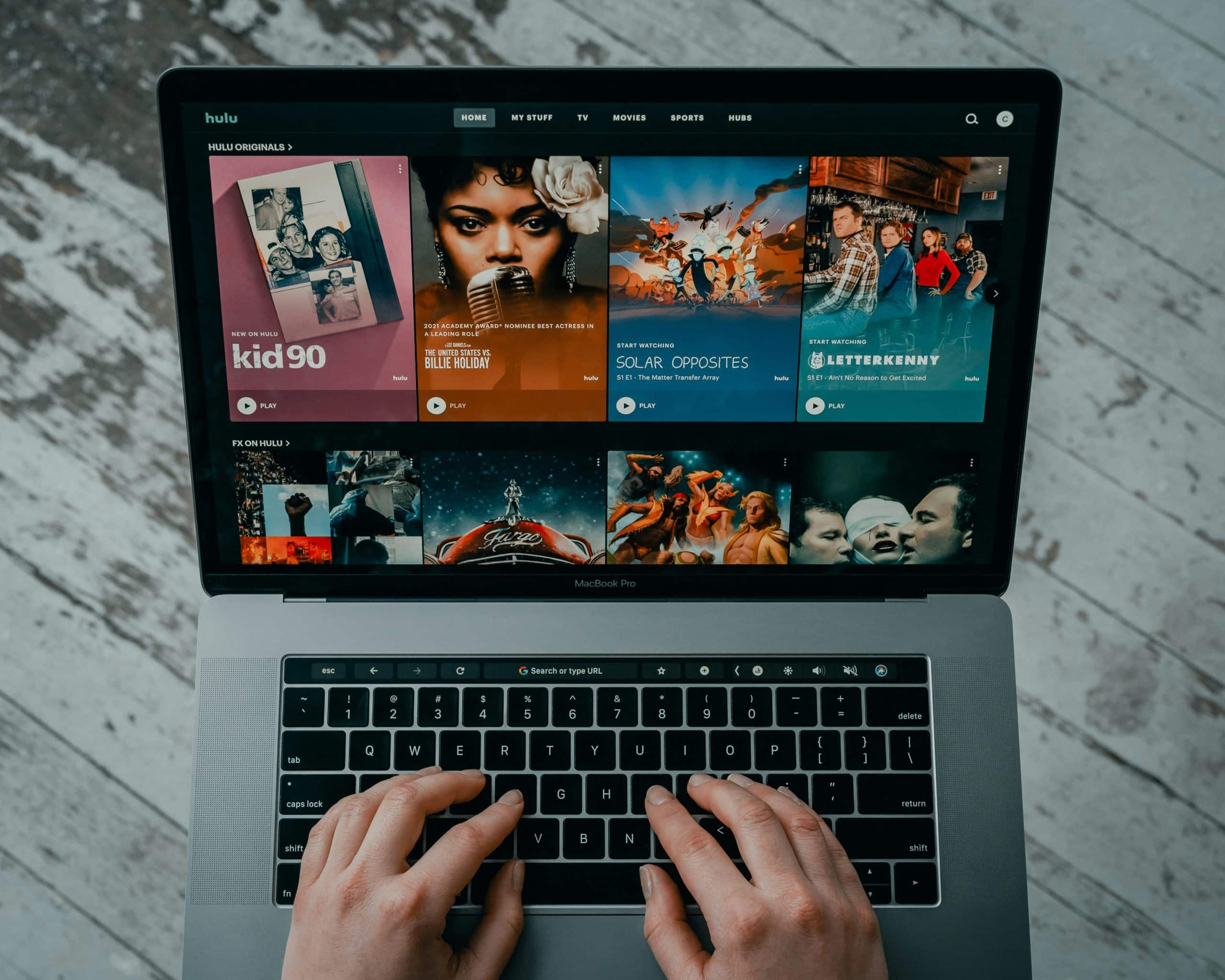
Buffering videos online can be frustrating, especially when you're in the middle of an important tutorial, a sports match, or your favorite TV show. It's like hitting the brakes on an otherwise enjoyable experience. The constant spinning wheel, the "loading" message that seems to hang indefinitely, and the eventual video freeze can test anyone's patience.
Video Buffering: A Common Problem
The problem of buffering videos is more common than you'd think. It cuts across various platforms, from YouTube and Netflix to Vimeo and Amazon Prime Video. The causes can range from your internet connection speed to the device you're using, and even the browser or app you're streaming with.
Diagnosing the Problem
To fix buffering videos, you first need to diagnose the problem. Here's where most people go wrong. They either blame their internet service provider (ISP) or assume it's their device's fault. The truth lies somewhere in between and can depend on several factors.
Internet Connection Speed
Your internet speed is a major determinant of whether you'll experience buffering. For standard definition (SD) videos, a speed of at least 3 Mbps is recommended. For high definition (HD) videos, you'll need at least 5 Mbps, and for 4K content, you should be looking at speeds of 25 Mbps or higher.
| <strong>Video Quality</strong> | <strong>Minimum Internet Speed</strong> |
|---|---|
| SD | 3 Mbps |
| HD | 5 Mbps |
| 4K | 25 Mbps |
If your internet speed doesn't match these requirements, you're likely to experience buffering. Here's a simple test you can do: check your internet speed using an online speed test tool. If your speeds are consistently below the recommended threshold, you might need to upgrade your plan or switch to a different ISP.
Optimizing Your Browser
Sometimes, the issue isn't with your internet speed but with the browser you're using. Browsers can get cluttered with extensions, cache, and cookies, which can slow down video streaming.
Clearing Browser Cache and Cookies
Clearing your browser's cache and cookies can help. It's a simple process:
- Open your browser settings.
- Look for the option to clear browsing data.
- Select the types of data you want to clear (cache, cookies, etc.).
- Confirm and wait for the process to complete.
Disabling Browser Extensions
Browser extensions can also affect video streaming. Some extensions, especially those that block ads or track your online activity, can interfere with video playback. Try disabling them one by one to see if it improves your streaming experience.
Improving Device Performance
Your device's performance can also impact video buffering. If your device is old or hasn't been updated in a while, it might struggle with demanding video content.
Updating Your Device's Operating System
Ensure your device's operating system (OS) is up to date. Updates often include performance improvements and bug fixes that can enhance video streaming.
![Learn,How I Fixed YouTube Videos Buffering Problem Easily-[FIXED]](https://fixyourandroid.com/gaxegroo/2019/08/Solve-YouTube-Buffering-problem-and-Watch-Videos-without-buffer-768x355.jpg)
Closing Unnecessary Applications
Closing unnecessary applications can free up resources on your device, potentially improving video playback. This is especially true if you're using a device with limited RAM or processing power.
Using a Wired Connection
Wi-Fi connections can sometimes be unstable, leading to buffering issues. If possible, try connecting your device directly to your router using an Ethernet cable. This can provide a more stable and faster connection.
Choosing the Right Streaming Quality
Sometimes, the issue isn't with your internet or device but with the quality settings on your streaming platform. If you're experiencing buffering, try lowering the video quality. Most streaming services allow you to adjust video quality in their settings.
Additional Tips
- Restart Your Router: This can help resolve connectivity issues.
- Use a VPN: In some cases, a VPN can help stabilize your connection or bypass throttling by your ISP.
- Limit Other Internet Activities: If other devices on your network are streaming or downloading large files, it can affect your video playback.
FAQs
Q: Why does my video keep buffering even with a fast internet connection?
There could be several reasons, including issues with your device, browser extensions, or the streaming service itself. Try troubleshooting each component to identify the cause.
Q: How can I check if my internet speed is sufficient for streaming?
Use an online speed test tool and compare your results with the recommended speeds for your desired video quality.
Q: Does using a different browser help with video buffering?
Yes, sometimes the browser you're using can cause issues. Try switching to a different browser to see if it improves your streaming experience.
Q: Can a VPN help with buffering issues?
A VPN might help in certain situations, such as bypassing throttling by your ISP or stabilizing your connection. However, it can also introduce additional latency or slow down your connection.
Final Take
Fixing buffering videos online isn't a one-size-fits-all solution. It requires a bit of troubleshooting and possibly making some adjustments to your internet plan, device, browser, or streaming settings. By systematically going through potential causes and solutions, you can enjoy seamless video streaming. Remember, patience and a methodical approach are key. Happy streaming!
Related: how to clean burnt pan bottom easily
