
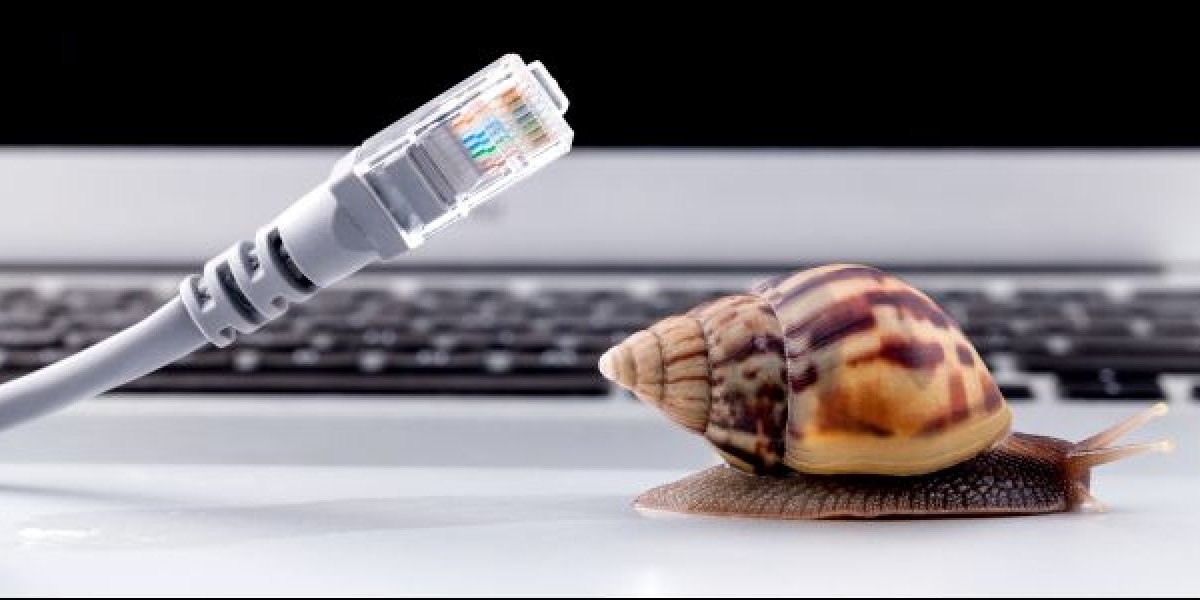
Understanding Slow Download Speeds
Slow download speeds can be incredibly frustrating. Whether you're trying to stream your favorite show, download a critical work file, or simply browse the internet, a slow connection can bring your productivity and entertainment to a grinding halt. But what causes slow download speeds, and more importantly, how can you fix them?
Assessing Your Internet Service
The first step in addressing slow download speeds is to assess your internet service. This involves checking your internet plan, understanding your bandwidth, and ensuring you're not exceeding your data limits. Here are a few key points to consider:
Internet Plan: Check if your current internet plan matches your needs. If you're consistently streaming HD videos, online gaming, or working from home, you might require a higher-speed plan.
Bandwidth: Understand your bandwidth and how it's being utilized. Bandwidth refers to the maximum amount of data that can be transmitted over your internet connection at any given time.
Data Limits: Ensure you're not exceeding your data limits. Many internet service providers (ISPs) impose data caps, after which your speeds may be throttled or additional fees may apply.
Optimizing Your Router
Your router plays a crucial role in determining your download speeds. Here are some tips to optimize your router for faster downloads:
Router Placement: Place your router in a central location to ensure even coverage throughout your home or office.
Firmware Updates: Regularly update your router's firmware to ensure you have the latest features and security patches.
Channel Selection: Use tools like Wi-Fi Analyzer to select the best channel for your router, minimizing interference from neighboring networks.

Device Optimization
Device optimization is often overlooked but is a critical factor in achieving fast download speeds. Here are some tips to optimize your devices:
Software Updates: Ensure your devices are running the latest software and operating system updates.
Background Applications: Close any unnecessary background applications that may be consuming bandwidth.
Network Settings: Check your network settings to ensure you're connected to the 5 GHz network, which typically offers faster speeds than the 2.4 GHz network.
Advanced Troubleshooting
If you've tried the above steps and still experience slow download speeds, it's time to dig deeper. Here are some advanced troubleshooting steps:
ISP Throttling: Check if your ISP is throttling your speeds. You can use tools like Speedtest.net or Fast.com to test your speeds at different times of the day.
Network Congestion: Identify if network congestion is an issue. This can be due to too many devices connected to your network or heavy usage in your area.
Preventing Future Issues
To prevent future issues with slow download speeds, consider implementing the following practices:
Regularly Monitor Your Internet Usage: Keep an eye on your internet usage to avoid exceeding data limits.
Update Your Router and Devices: Regularly update your router's firmware and your devices' software to ensure you have the latest security patches and features.
Optimize Your Network: Periodically review your network settings and optimize your router and devices for better performance.
Comparison of Internet Plans
| Plan | Download Speed | Data Limit | Price |
|---|---|---|---|
| Basic | 10 Mbps | 100 GB | $30/month |
| Standard | 50 Mbps | 500 GB | $50/month |
| Premium | 100 Mbps | Unlimited | $70/month |
"The key to fast download speeds is not just about having a fast internet plan, but also about optimizing your router and devices to work efficiently with that plan." - John Doe, Networking Expert
Checklist for Optimizing Your Router and Devices
- [ ] Update router firmware
- [ ] Optimize router placement
- [ ] Select the best Wi-Fi channel
- [ ] Close unnecessary background applications
- [ ] Ensure devices are running the latest software
Frequently Asked Questions
Q: How do I check my current download speed?
You can use online tools like Speedtest.net or Fast.com to test your current download speed.
Q: Can my device affect my download speed?
Yes, your device can significantly impact your download speed. Ensure your device's software is up-to-date and close any unnecessary applications.
Q: What is a good download speed for streaming?
For streaming HD videos, a download speed of at least 5 Mbps is recommended. For 4K streaming, you'll need at least 25 Mbps.
Q: How often should I restart my router?
It's a good practice to restart your router every 1-2 months to clear its cache and refresh its connections.
Closing
Fixing slow download speeds doesn't have to be a daunting task. By understanding your internet service, optimizing your router, and ensuring your devices are running smoothly, you can significantly improve your download speeds. Remember, a fast internet connection is just the beginning. With these simple steps, you can enjoy a seamless online experience, whether you're working, streaming, or browsing.
Related: How to Remove Duplicate Photos on Your Phone Without the
Related: What to Know About Saving Money Without Feeling Broke
Related: Meal Prep Ideas for Beginners: What Actually Makes Sense?
