
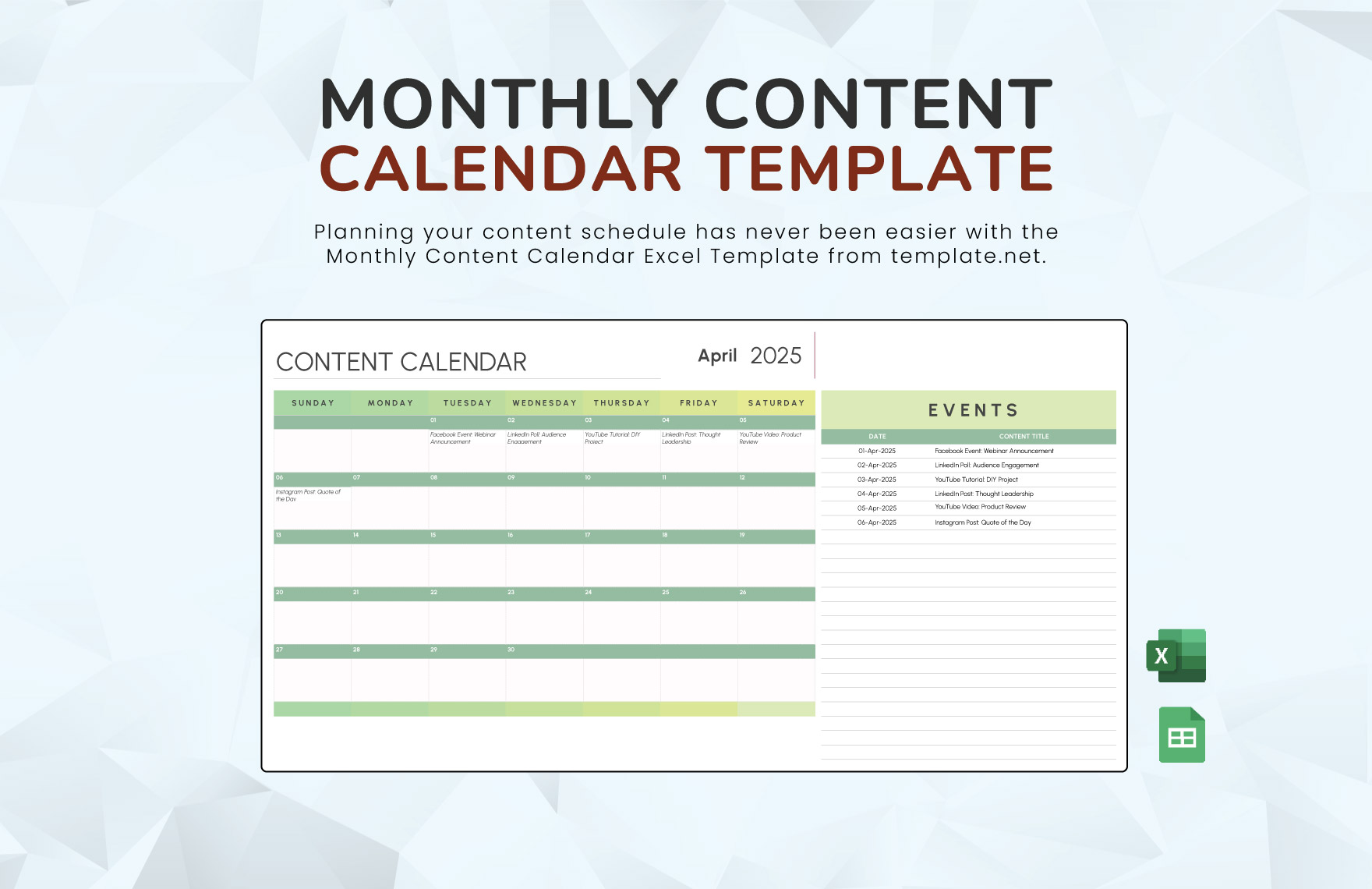
Why a Monthly Content Calendar Template in Excel is a Must-Have
As a content creator, managing multiple pieces of content across various platforms can be overwhelming. A well-structured content calendar helps alleviate this stress by providing a clear overview of upcoming content, deadlines, and publication dates. In this article, we'll explore how to create a monthly content calendar template in Excel that can be tailored to your specific needs.
Setting Up Your Monthly Content Calendar Template in Excel
To create a monthly content calendar template in Excel, start by opening a new spreadsheet and setting up the following columns:
Content Title: The title of the content piece
Content Type: The type of content (e.g., blog post, social media post, video)
Publication Date: The date the content will be published
Status: The current status of the content (e.g., draft, in review, published)
Author: The author of the content piece
Keywords: Relevant keywords associated with the content
You can add or remove columns as needed to suit your specific requirements.
Customizing Your Template for Maximum Efficiency
To take your content calendar to the next level, consider adding the following features:
Conditional formatting: Use conditional formatting to highlight cells based on specific conditions, such as upcoming deadlines or published content.
Filters and sorting: Use filters and sorting to quickly find specific content pieces or authors.
Formulas and calculations: Use formulas and calculations to automatically calculate metrics, such as the number of published pieces or content scheduled for the month.
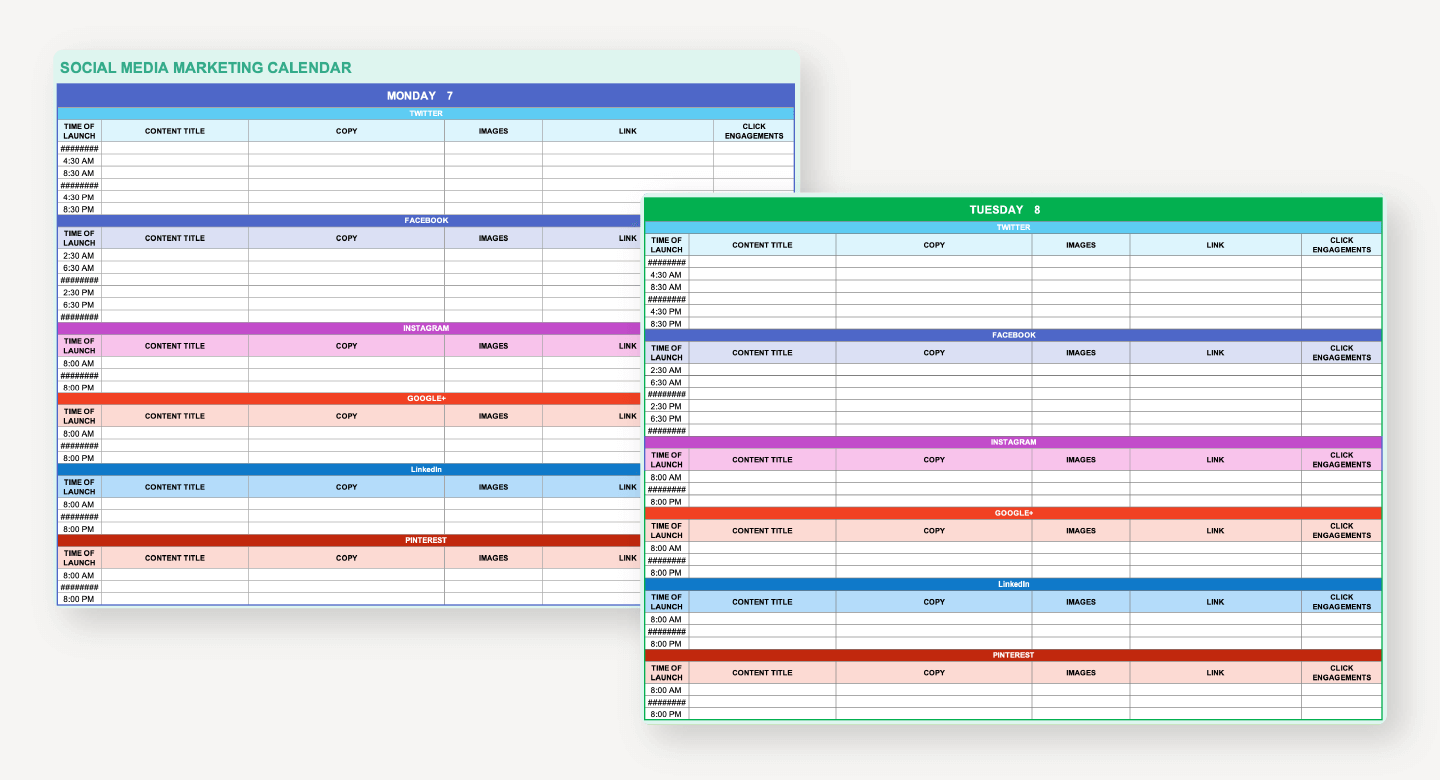
Using Your Monthly Content Calendar Template in Excel Effectively
To get the most out of your content calendar, follow these best practices:
Schedule content in advance: Plan and schedule content at least a month in advance to ensure consistency and reduce last-minute scrambles.
Regularly review and update: Regularly review and update your content calendar to reflect changes in your content strategy or unexpected delays.
Collaborate with team members: Share your content calendar with team members to ensure everyone is on the same page and to facilitate collaboration.
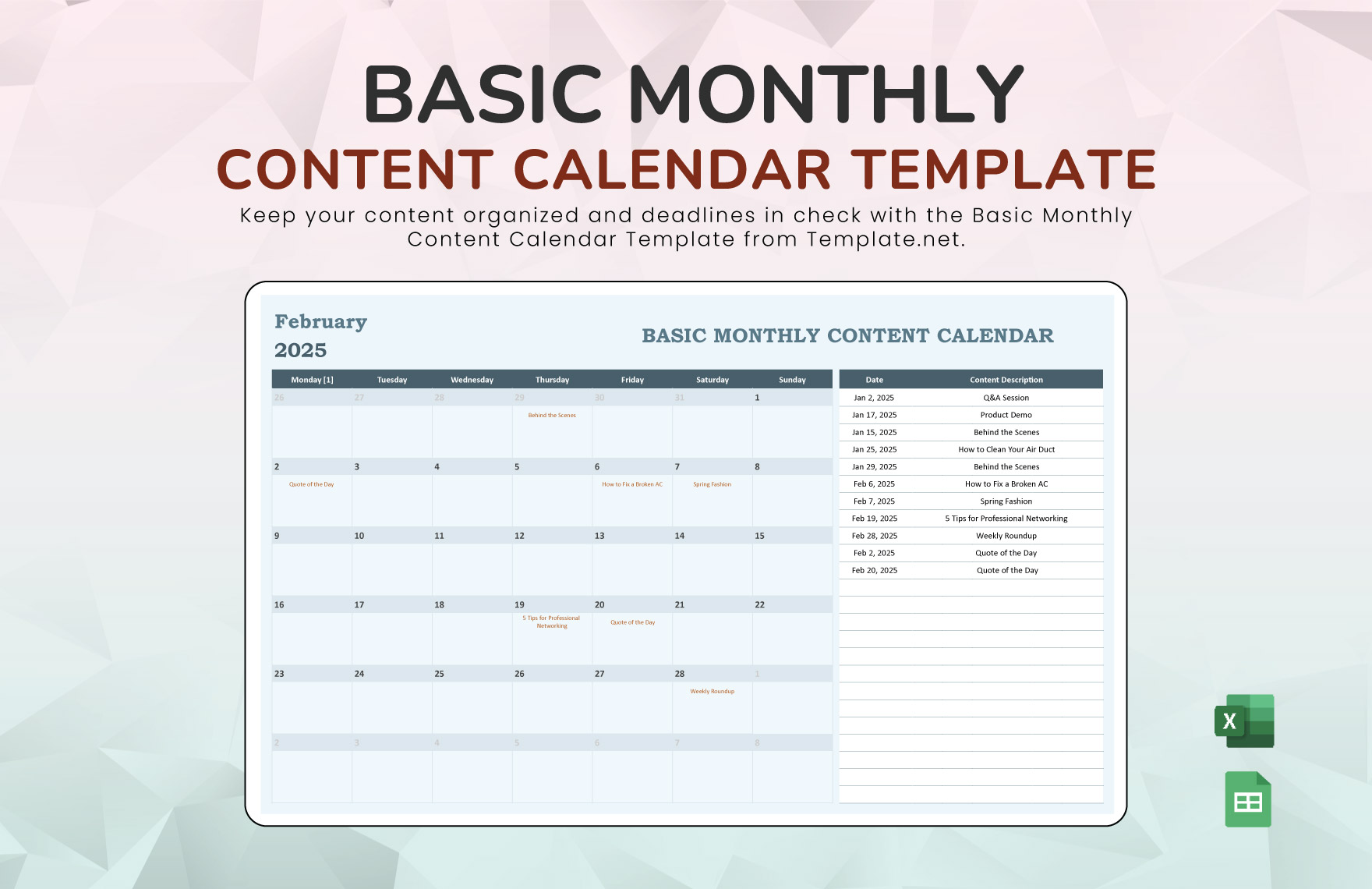
Comparison of Content Calendar Tools
| Tool | Features | Pricing |
|---|---|---|
| Excel Template | Customizable, flexible, and cost-effective | Free |
| Google Calendar | Integrated with Google ecosystem, real-time collaboration | Free |
| Trello | Visual boards, drag-and-drop functionality | Free-$25/user/month |
| Hootsuite | Social media management, content scheduling | $19-$129/month |
While there are many content calendar tools available, an Excel template offers a cost-effective and customizable solution that can be tailored to your specific needs.
Common Mistakes to Avoid When Creating a Content Calendar
Not setting realistic goals: Be realistic about what you can accomplish in a month and avoid overcommitting.
Not leaving room for flexibility: Leave some buffer room in your content calendar for unexpected delays or changes.
Not regularly reviewing and updating: Regularly review and update your content calendar to ensure it remains relevant and effective.
FAQs
Q: How do I create a content calendar in Excel?
Start by setting up a new spreadsheet and creating columns for content title, content type, publication date, status, author, and keywords.
Q: What are the benefits of using a content calendar?
A content calendar helps streamline planning, boost productivity, and enhance content quality by providing a clear overview of upcoming content and deadlines.
Q: Can I use a content calendar for social media?
Yes, a content calendar can be used for social media by scheduling posts in advance and tracking engagement metrics.
Conclusion
A monthly content calendar template in Excel is a powerful tool for streamlining content planning, boosting productivity, and enhancing content quality. By following the steps outlined in this article, you can create a customized template that meets your specific needs and helps you achieve your content goals.
Related: What to Know About Content Calendar Templates in Word
Related: 5 Useful Things to Know About Creating a Content Calendar
