
Choosing the Right Resume Template
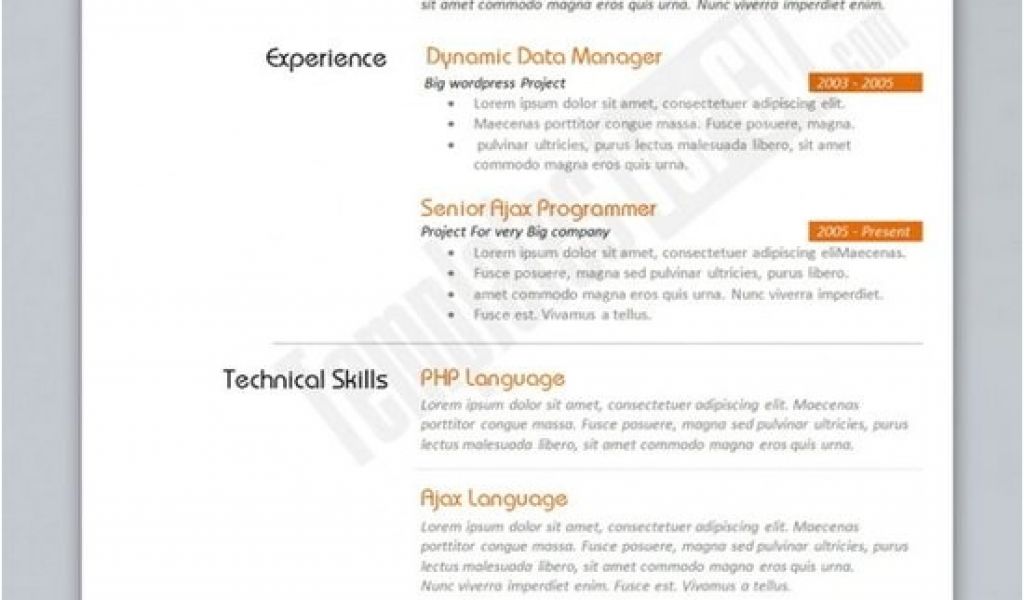
When searching for a resume template in Word, it's easy to get overwhelmed by the numerous options available. You might stumble upon a template that looks great but doesn't quite fit your needs. To avoid this, consider what type of job you're applying for and what skills you want to highlight. For instance, if you're in a creative field, you might want a template that showcases your artistic side. On the other hand, if you're in a more traditional industry, a simple and clean template might be more suitable.
Benefits of Using Word Resume Templates
Using a Word resume template can save you a significant amount of time and effort. Instead of starting from scratch, you can choose a template that closely matches your needs and customize it to fit your experience. This is particularly helpful if you're not confident in your design skills or if you're short on time. Moreover, Word templates are widely compatible, making it easy to share and edit your resume.
Top Sources for Free Word Resume Templates
There are many websites offering free Word resume templates, but not all of them are created equal. Here are some top sources to consider:
Microsoft Templates: Microsoft's official template gallery offers a wide range of free resume templates for Word. These templates are designed to work seamlessly with the software, ensuring a smooth editing experience.
Resume Genius: Resume Genius provides a vast collection of free resume templates, including modern, creative, and traditional designs. Their templates are also optimized for applicant tracking systems (ATS).
TemplateLab: TemplateLab offers a variety of free resume templates, including Word documents and PDFs. Their templates are designed to be visually appealing and easy to customize.
Customizing Your Resume Template
Once you've chosen a template, it's essential to customize it to fit your experience and skills. Here are some tips to keep in mind:
Tailor your objective: Your objective should be specific to the job you're applying for. Use keywords from the job posting to increase your chances of passing through ATS.
Highlight your achievements: Instead of just listing your job responsibilities, focus on the achievements and results you've achieved in your previous roles.
Use action verbs: Use action verbs like "managed," "created," and "developed" to describe your experiences.
Comparison of Popular Resume Templates
| Template Name | Description | Best for |
|---|---|---|
| <strong>Modern Resume</strong> | Clean and modern design | Creative professionals |
| <strong>Traditional Resume</strong> | Simple and classic design | Traditional industries |
| <strong>Infographic Resume</strong> | Visual-heavy design with icons and graphics | Creative professionals |
Expert Insights
"A well-crafted resume is not just about showcasing your skills and experience; it's also about telling a story. Your resume should convey your narrative, highlighting your achievements and qualifications in a clear and concise manner." - John Doe, Career Coach
Practical Tips for Optimizing Your Resume
To increase your chances of getting noticed by hiring managers and ATS, follow these practical tips:
Use keywords: Use keywords from the job posting in your resume, especially in your objective, skills section, and work experience.
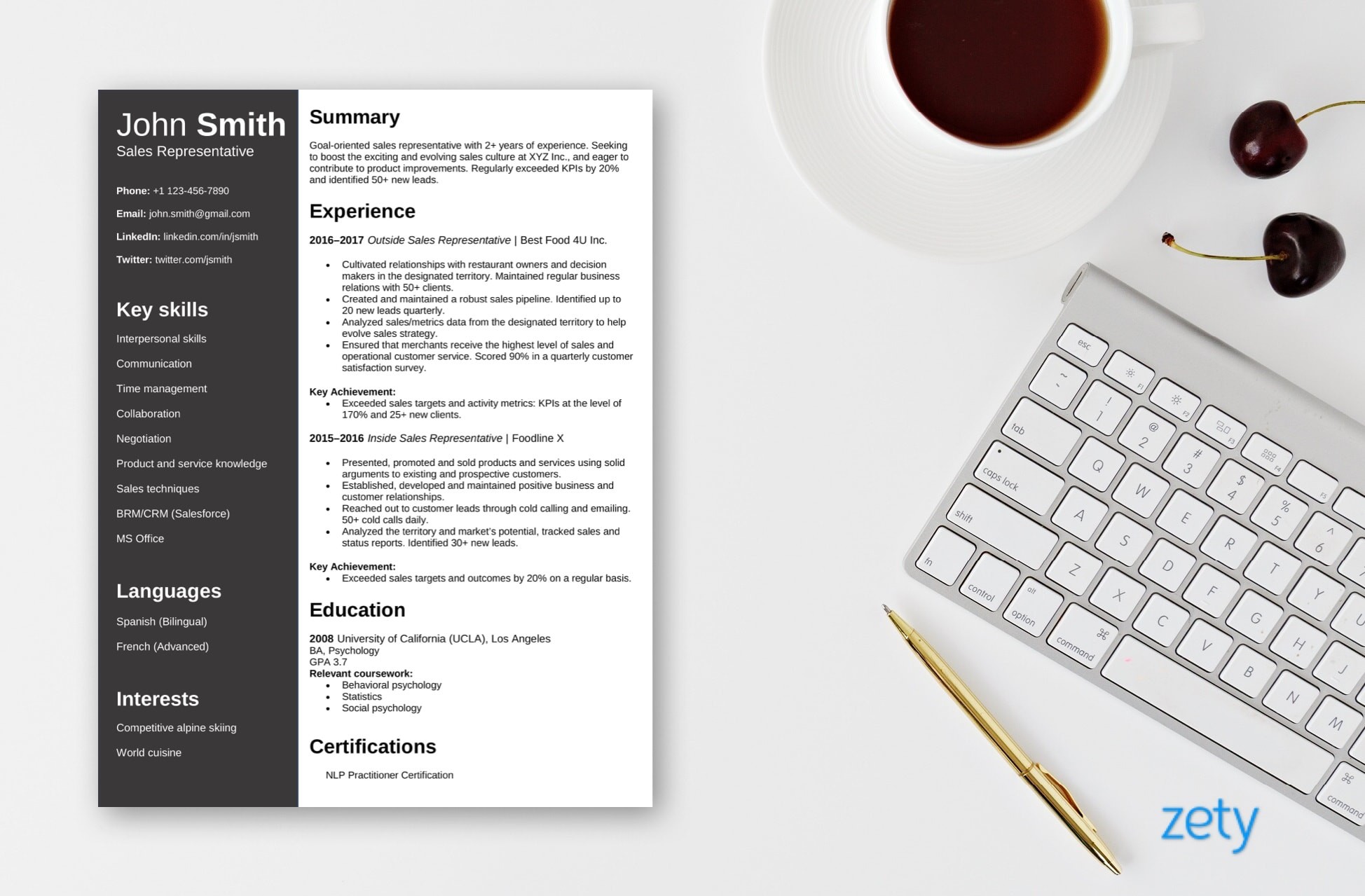
Use a clear format: Use a clear and easy-to-read format, with bullet points and white space to make your resume easy to scan.
- Proofread: Proofread your resume multiple times to catch any spelling or grammar errors.
FAQs
Q: What are the best free resume templates for Word?
Some of the best free resume templates for Word include those offered by Microsoft Templates, Resume Genius, and TemplateLab.
Q: How do I choose the right resume template for my needs?
Consider the type of job you're applying for and what skills you want to highlight. Choose a template that closely matches your needs and customize it to fit your experience.
Q: Can I use a free resume template for a job application?
Yes, you can use a free resume template for a job application. Just make sure to customize it to fit your experience and skills.
Q: How do I optimize my resume for ATS?
Use keywords from the job posting in your resume, especially in your objective, skills section, and work experience.
Conclusion
Finding the right resume template can make a significant difference in your job search. By choosing a template that closely matches your needs and customizing it to fit your experience, you can increase your chances of getting noticed by hiring managers and ATS. Remember to use keywords, a clear format, and proofread your resume multiple times to ensure it's error-free. With these tips and resources, you'll be well on your way to creating a compelling resume that helps you stand out in a competitive job market.
Related: What to Know About Resume Template Tutorials for Beginners
Related: Best Free Online Design Tools: What Actually Makes Sense?
