
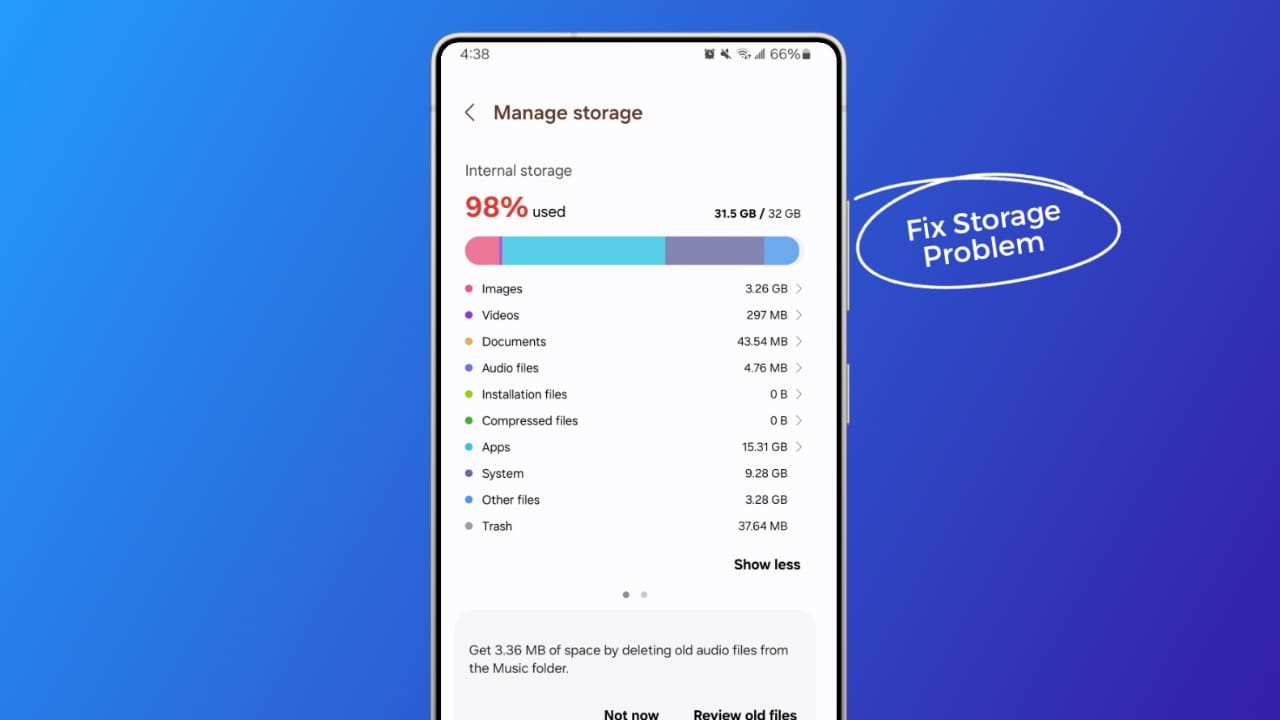
The Storage Conundrum
We've all been there - your device is running low on storage, and you're faced with the daunting task of deleting apps, photos, or files to free up space. But what if you don't want to delete your favorite apps? Is it possible to clean your storage without sacrificing your digital habits? The answer is yes, and it's easier than you think.
Understanding Storage Usage
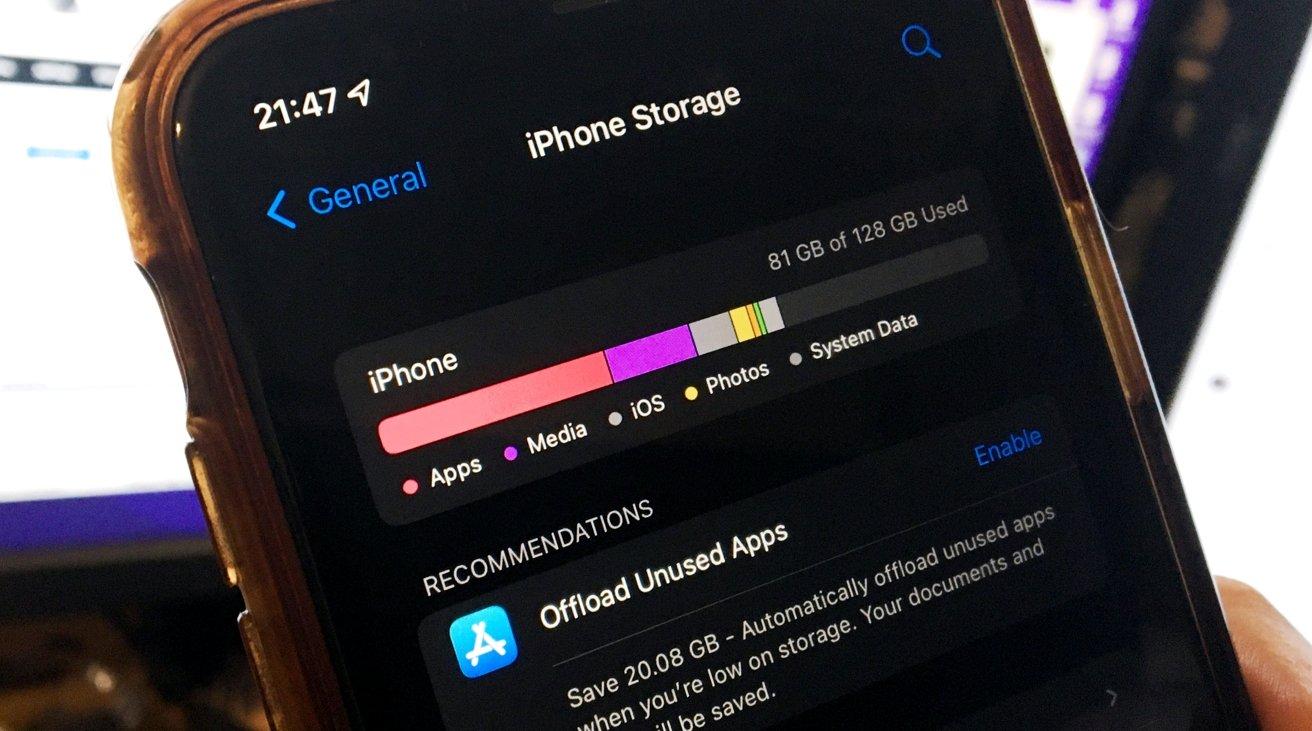
Before we dive into the solutions, it's essential to understand how storage works on your device. Storage space is used by apps, files, photos, and system data. When you install an app, it takes up space on your device, and as you use it, it may generate more data, such as cache files, logs, and user data. Similarly, files and photos occupy storage space. The good news is that there's a significant amount of storage space that can be reclaimed without deleting apps.
Cleaning App Data
One of the most effective ways to clean storage without deleting apps is to clean up app data. Many apps accumulate cache files, logs, and user data that can take up a substantial amount of storage space. Here's how:
Clear app cache: Go to your device's settings, find the app in question, and clear its cache. This will remove temporary files that are no longer needed.
Delete app data: Some apps allow you to delete data, such as saved files or documents. Check the app's settings or documentation to see if this option is available.
Use a storage cleaner app: There are many third-party apps available that can help you clean up storage space by removing cache files, logs, and other unnecessary data.

Managing Files and Photos
Files and photos can also take up a significant amount of storage space on your device. Here are some tips for managing them:
Delete unnecessary files: Go through your files and delete anything you no longer need. Consider moving files to cloud storage or an external drive to free up space on your device.
Optimize photo storage: Consider using a cloud storage service like Google Photos or iCloud to store your photos. These services often offer automatic compression and optimization, which can help reduce storage usage.
Compressing and Removing Unused Apps
Compressing or removing unused apps is another way to free up storage space:
Offload unused apps: Some devices allow you to offload unused apps, which removes the app but keeps its data.
Compress apps: Some devices or third-party apps offer app compression, which reduces the app's size without affecting its functionality.
Comparison of Storage Cleaning Methods
| Method | Effectiveness | Ease of Use | Risk of Data Loss |
|---|---|---|---|
| Clearing app cache | High | Easy | Low |
| Deleting app data | Medium | Medium | Medium |
| Using a storage cleaner app | High | Easy | Medium |
| Deleting files and photos | High | Easy | High |
| Compressing or removing unused apps | Medium | Medium | Medium |
Best Practices for Storage Management
To keep your storage space under control, follow these best practices:
Regularly clean up app data and cache: Make it a habit to clear app cache and delete unnecessary data.
Monitor storage usage: Keep an eye on your storage usage and adjust your habits accordingly.
Use cloud storage: Consider using cloud storage services to store files, photos, and other data.
Frequently Asked Questions
Q: Will cleaning storage without deleting apps void my warranty?
No, cleaning storage without deleting apps will not void your warranty. However, be cautious when using third-party apps, and ensure they are reputable.
Q: How often should I clean my storage?
It's a good idea to clean your storage regularly, ideally every 1-3 months, depending on your usage.
Q: Can I clean storage on any device?
Yes, you can clean storage on any device, including smartphones, computers, and tablets.
Q: Will cleaning storage improve my device's performance?
Yes, cleaning storage can improve your device's performance, as it reduces the amount of data that needs to be processed.
Conclusion
Cleaning storage without deleting apps is a simple and effective way to free up space on your device. By understanding storage usage, cleaning app data, managing files and photos, and compressing or removing unused apps, you can keep your device running smoothly and efficiently. By following best practices and staying on top of storage management, you can avoid the stress of low storage and enjoy a seamless digital experience.
Related: Touchscreen Not Responding Sometimes? Here's How to Fix It
Related: 5 Useful Things to Know About Freeing Up Storage on Your
Related: How to Update Drivers Automatically Without the Hassle
