
Choosing the Right Website Templates Builder
When it comes to creating a website, one of the first things that comes to mind is the design. A well-designed website can make all the difference in attracting and retaining visitors. However, not everyone has the coding skills or design expertise to create a website from scratch. That's where website templates builder comes in – a tool that allows you to create a professional-looking website without requiring any coding knowledge.
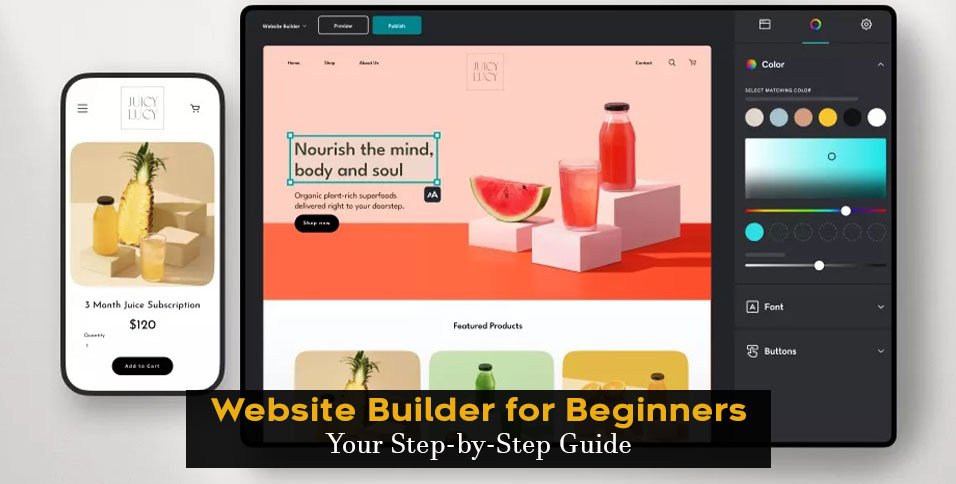
A website templates builder is a platform that provides pre-designed templates, drag-and-drop functionality, and user-friendly interfaces to help you create a website quickly and easily. With so many options available, choosing the right website templates builder can be overwhelming, especially for beginners.
Key Features to Look for in a Website Templates Builder
So, what should you look for in a website templates builder? Here are some key features to consider:
Ease of use: Look for a builder that has a user-friendly interface and drag-and-drop functionality.
Template variety: Choose a builder that offers a wide range of templates to suit your needs.
Customization options: Ensure that the builder allows you to customize your website's design, layout, and content.
Responsive design: Make sure that the builder's templates are mobile-friendly and responsive.
Integration with third-party tools: Consider a builder that integrates with popular third-party tools, such as e-commerce platforms, social media, and email marketing software.
Top Website Templates Builders for Beginners
Here are some of the top website templates builders for beginners:
Wix
Wix is one of the most popular website templates builders, with over 500 templates to choose from. Its drag-and-drop interface makes it easy to use, even for those with no coding experience. Wix also offers a range of features, including e-commerce integration, social media integration, and SEO optimization.
Squarespace
Squarespace is another popular website templates builder that offers a range of stylish and modern templates. Its user-friendly interface and drag-and-drop functionality make it easy to use, even for beginners. Squarespace also offers features such as e-commerce integration, social media integration, and SEO optimization.
Weebly
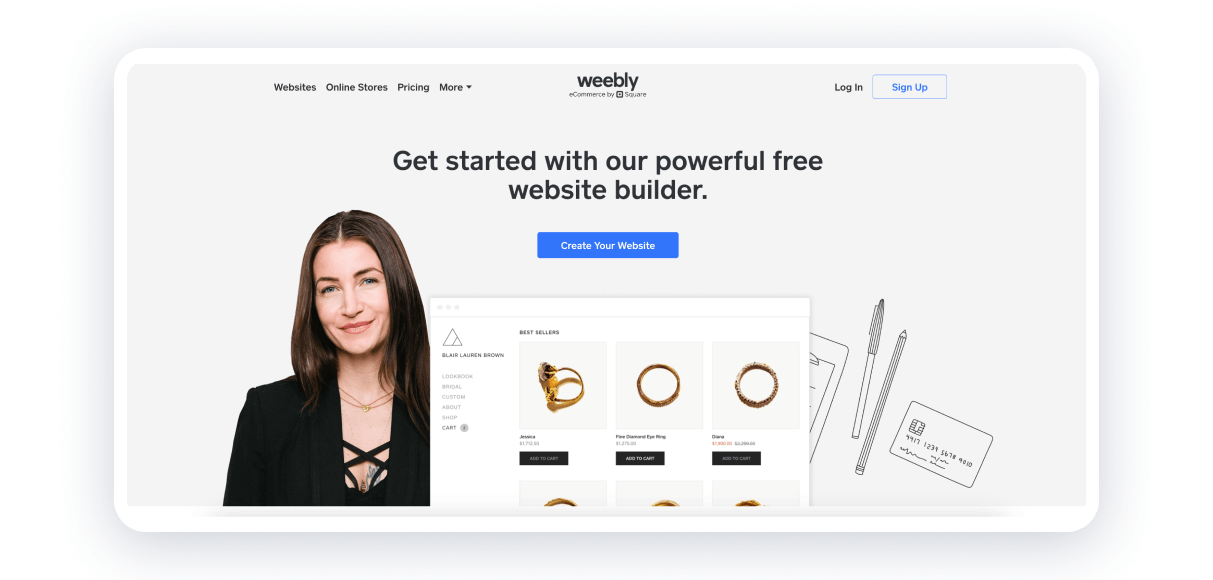
Weebly is a website templates builder that offers a range of templates and a drag-and-drop interface. It's easy to use and offers features such as e-commerce integration, social media integration, and SEO optimization. Weebly also offers a mobile app, allowing you to create and edit your website on-the-go.
Comparison of Website Templates Builders
| <strong>Website Templates Builder</strong> | <strong>Templates</strong> | <strong>Ease of use</strong> | <strong>Customization options</strong> | <strong>Responsive design</strong> |
|---|---|---|---|---|
| Wix | 500+ | Easy | High | Yes |
| Squarespace | 60+ | Easy | High | Yes |
| Weebly | 40+ | Easy | Medium | Yes |
Practical Tips for Using a Website Templates Builder
Here are some practical tips for using a website templates builder:
Start with a clear goal: Before you begin, define what you want to achieve with your website.
Choose a template that suits your needs: Browse through the templates and choose one that suits your needs and style.
Customize your template: Don't be afraid to experiment and customize your template to suit your brand.
Keep it simple: Don't overload your website with too much content or features.
Common Mistakes to Avoid
Here are some common mistakes to avoid when using a website templates builder:
Not optimizing for mobile: Make sure that your website is mobile-friendly and responsive.
Not customizing your template: Take the time to customize your template to suit your brand.
Not testing your website: Test your website thoroughly to ensure that it's working as expected.
FAQs
Here are some frequently asked questions about website templates builders:
Q: What is a website templates builder?
A website templates builder is a platform that provides pre-designed templates, drag-and-drop functionality, and user-friendly interfaces to help you create a website quickly and easily.
Q: Do I need coding experience to use a website templates builder?
No, you don't need coding experience to use a website templates builder. Most builders offer drag-and-drop functionality and user-friendly interfaces that make it easy to create a website without coding.
Q: Can I customize my website's design and layout?
Yes, most website templates builders offer customization options that allow you to customize your website's design and layout.
Q: Is it easy to switch to a different template later?
Yes, most website templates builders make it easy to switch to a different template later. However, it's always a good idea to plan your website's design and layout before you begin.
Conclusion
Creating a website doesn't have to be complicated or expensive. With a website templates builder, you can create a professional-looking website without requiring any coding knowledge. By choosing the right builder, customizing your template, and avoiding common mistakes, you can create a website that attracts and retains visitors. Whether you're a small business owner, blogger, or entrepreneur, a website templates builder can help you establish an online presence and achieve your goals.
Related: A Practical Guide to Social Content Calendars in Excel
Related: Plan Your Content with Ease: A Fillable Content Calendar
Related: A Practical Guide to Creating a Content Calendar Template
