

As a beginner photographer, your resume is often the first impression you make on potential clients or employers. You might have an impressive portfolio, but if your resume doesn't showcase your skills and experience effectively, you might miss out on opportunities. A well-crafted photography resume template can help you stand out in a competitive market. Let's dive into the essential elements of creating a photography resume template that highlights your strengths and helps you land your dream job.
Understanding the Basics of a Photography Resume
Before we start building your resume template, it's essential to understand what a photography resume should include. A good photography resume should showcase your:
Photography skills and specialties (e.g., portrait, landscape, wedding, fashion)
Experience, including internships, assistantships, or freelance work
Education, including photography courses or workshops
Relevant projects or exhibitions
Technical skills, such as proficiency in Adobe Creative Suite or specific camera equipment
Choosing a Template Design
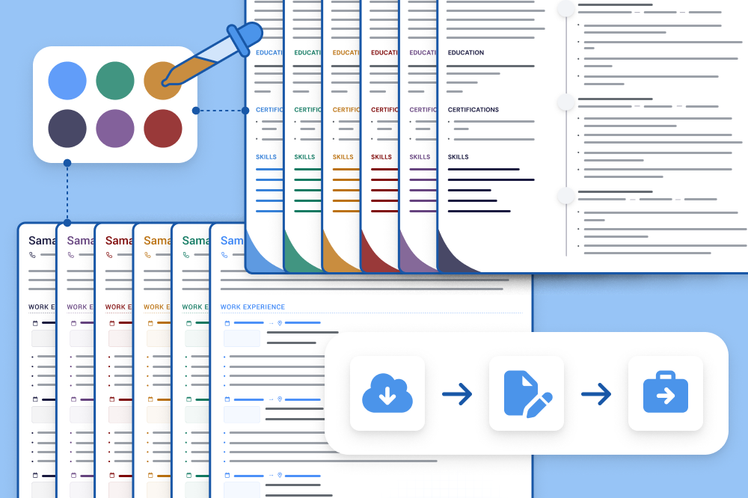
When selecting a template design for your photography resume, keep it clean, simple, and visually appealing. You want your resume to reflect your photography style, but avoid using too many fonts, colors, or graphics. A good template should have:
A clear and concise format
Ample white space to make your content easy to read
A standard font, such as Arial, Calibri or Helvetica
A consistent layout throughout
Here are a few popular template designs for photography resumes:
| Template Design | Description |
|---|---|
| <strong>Modern Minimalist</strong> | Clean lines, simple font, and ample white space make this design perfect for showcasing your photography skills. |
| <strong>Creative Portfolio</strong> | This design features a bold layout and showcases your photography work in a visually appealing way. |
| <strong>Classic Professional</strong> | A traditional design that highlights your experience and education in a clear and concise manner. |
Crafting Your Resume Content
Now that you've chosen a template design, it's time to craft your resume content. Here are some tips to help you get started:
Tailor your resume to the job: Customize your resume for each job you apply to, highlighting the skills and experience that match the job requirements.
Use action verbs: Use action verbs like "shot," "edited," "managed," and "created" to describe your experience and skills.
Include relevant numbers: Include numbers to quantify your experience, such as "shot 50 weddings in 2 years" or "increased client engagement by 25% through social media."
Photography Skills and Specialties
When listing your photography skills and specialties, be specific and concise. For example:
Portrait photography: Experienced in shooting studio and on-location portraits for individuals, families, and groups.
Wedding photography: Skilled in capturing candid moments, details, and ceremony shots for wedding parties.
Experience
When listing your experience, include:
Job title: Your job title or role (e.g., photographer, assistant, intern)
Studio or client name: The name of the studio or client you worked with
Dates: The dates you worked with the studio or client
Brief description: A brief description of your role and accomplishments
Building Your Portfolio
Your portfolio is a crucial element of your photography resume, showcasing your best work to potential clients or employers. Here are some tips for building a strong portfolio:
Select your best work: Choose your strongest images that demonstrate your skills and specialties.
Organize your portfolio: Organize your portfolio into clear sections or categories, such as portraits, weddings, or landscapes.
Keep it up-to-date: Regularly update your portfolio with new work and remove older images that no longer represent your best work.
Tips for Creating a Visual Portfolio
When creating a visual portfolio, consider:
Image size and resolution: Use high-resolution images that are optimized for web viewing.
Image captions: Include brief captions to describe each image, including the location, camera equipment, and any relevant story behind the shot.
Common Mistakes to Avoid
When creating your photography resume template, avoid:
Typos and grammatical errors: A single mistake can make a negative impression and hurt your chances of getting hired.
Inconsistent formatting: Keep your formatting consistent throughout your resume to make it easy to read.
Lack of relevant information: Make sure to include relevant information, such as your photography skills and experience.
Frequently Asked Questions
Here are some frequently asked questions about photography resume templates:
Q: What is the best format for a photography resume? The best format for a photography resume is a clean and simple design that showcases your skills and experience.
Q: How do I tailor my resume to a specific job?
Customize your resume by highlighting the skills and experience that match the job requirements.
Q: What should I include in my photography portfolio?
Include your best work that demonstrates your skills and specialties, organized into clear sections or categories.
Final Tips and Next Steps
Creating a stunning photography resume template takes time and effort, but it's worth it to stand out in a competitive market. Remember to:
Keep it concise and easy to read: Use clear headings, bullet points, and white space to make your resume easy to scan.Use keywords and action verbs: Use keywords and action verbs to describe your skills and experience.
Regularly update your portfolio: Keep your portfolio up-to-date with new work and remove older images that no longer represent your best work.
By following these tips and creating a strong photography resume template, you'll be well on your way to landing your dream job in the photography industry.
Related: 5 Useful Things to Know About Welding Resume Templates
