
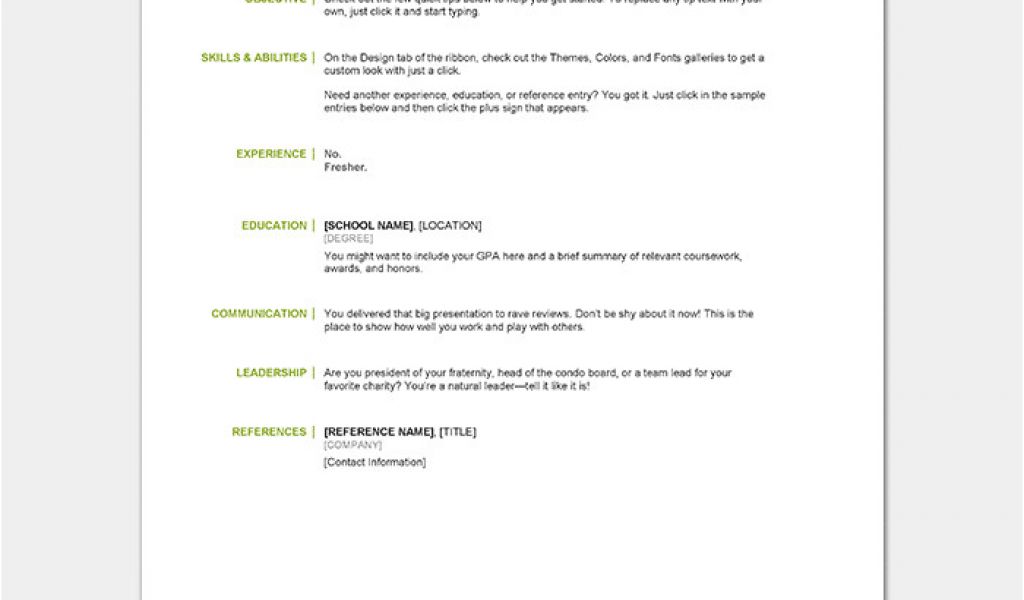
As a fresher, entering the job market can be daunting. One of the most critical tools in your job search arsenal is a well-crafted resume. But what makes a resume stand out? The answer lies in simplicity and clarity. A simple resume template can be a game-changer, helping you highlight your skills and experiences without overwhelming the reader.
Choosing the Right Template
When it comes to selecting a resume template, the options can be overwhelming. However, as a fresher, it's essential to opt for a template that is clean, easy to read, and highlights your strengths. Here are a few popular types of simple resume templates:
Chronological Template: This template lists your work experience in reverse chronological order, making it ideal for those with some work experience.
Functional Template: This template focuses on your skills and qualifications rather than your work history, perfect for freshers with limited work experience.
Combination Template: This template combines the chronological and functional templates, offering a balance between work experience and skills.
Key Elements of a Simple Resume
A simple resume template should include the following essential elements:
Contact Information: Include your name, email address, phone number, and LinkedIn profile (if applicable).
Professional Summary: A brief overview of your skills, qualifications, and career goals.
Education: List your educational qualifications, including degrees, certifications, and institutions.
Skills: Highlight your relevant skills, including technical, language, and soft skills.
Work Experience: List your work experience, including internships, volunteer work, and part-time jobs.
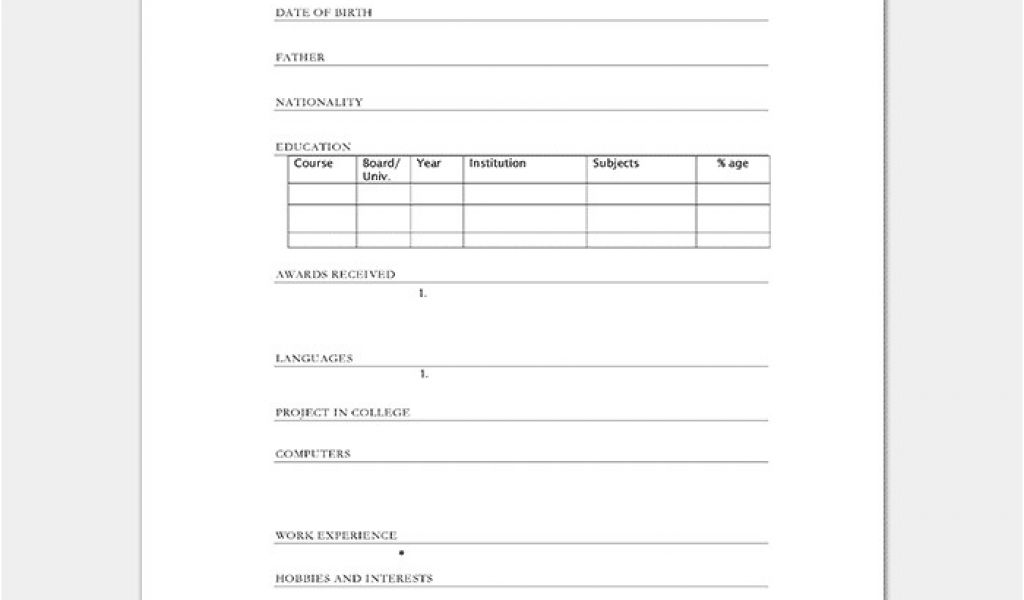
Design Tips for a Simple Resume
When it comes to designing a simple resume, less is more. Here are some design tips to keep in mind:
Use a Clear Font: Choose a font that is easy to read, such as Arial, Calibri or Helvetica.
Use Bullet Points: Bullet points help break up large blocks of text and make your resume easy to scan.
Keep it Concise: Keep your resume to one or two pages, focusing on the most important information.
Use White Space: Use white space effectively to make your resume easy to read and scan.
Optimizing Your Resume for ATS
Applicant Tracking Systems (ATS) are software applications used by companies to screen and filter resumes. To optimize your resume for ATS, follow these tips:
Use Keywords: Use keywords related to the job you're applying for, especially in your professional summary and skills section.
Use a Standard Format: Use a standard format, such as a Word document or PDF, to ensure your resume can be easily read by ATS.
Avoid Graphics and Images: Avoid using graphics and images, as they can be difficult for ATS to read.
Common Mistakes to Avoid
When Creating a Simple resume, there are several common mistakes to avoid:
Typos and Grammatical Errors: Typos and grammatical errors can make a negative impression and hurt your chances of getting hired.
Lack of Relevance: Make sure your resume is relevant to the job you're applying for, highlighting the skills and qualifications required.
Poor Formatting: Poor formatting can make your resume difficult to read and scan.
Pros and Cons of Using a Simple Resume Template
Here is a comparison of the pros and cons of using a simple resume template:
| <strong>Pros</strong> | <strong>Cons</strong> |
|---|---|
| Easy to create and edit | Limited customization options |
| Helps you focus on essential information | May not stand out from other resumes |
| Compatible with most ATS | May not be suitable for creative industries |
Case Study: The Power of a Simple Resume
Meet Rohan, a recent graduate with a degree in computer science. Rohan was struggling to get noticed by potential employers, despite having a strong educational background and relevant skills. After creating a simple resume template, Rohan was able to highlight his strengths and land an interview with a top tech company.
Frequently Asked Questions
Here are some frequently asked questions about simple resume templates for freshers:
Q: What is the best font to use for a simple resume? The best font to use for a simple resume is Arial, Calibri or Helvetica.
Q: How long should my resume be?
Your resume should be one or two pages, focusing on the most important information.
Q: Should I include a photo on my resume?
No, it's not necessary to include a photo on your resume, unless you're applying for a job in a creative industry.
Q: How do I optimize my resume for ATS?
Use keywords related to the job you're applying for, use a standard format, and avoid graphics and images.
Final Tips and Next Steps
Creating a simple resume template is just the first step in your job search journey. Here are some final tips and next steps to keep in mind:
Tailor your resume to each job: Customize your resume for each job you apply for, highlighting the skills and qualifications required.
Practice your interview skills: Prepare for interviews by practicing your responses to common questions and researching the company.
- Network and make connections: Attend job fairs, industry events, and connect with professionals on LinkedIn to expand your network.
By following these tips and using a simple resume template, you'll be well on your way to creating a stunning resume that helps you stand out in the job market.
Related: Mastering Online Study Tips for Exams: What to Know
Related: What to Know About Travel Checklist Templates in Excel
Related: Study Tips for Exam Preparation
Related: 5 Useful Things to Know About Mastering Online Courses
